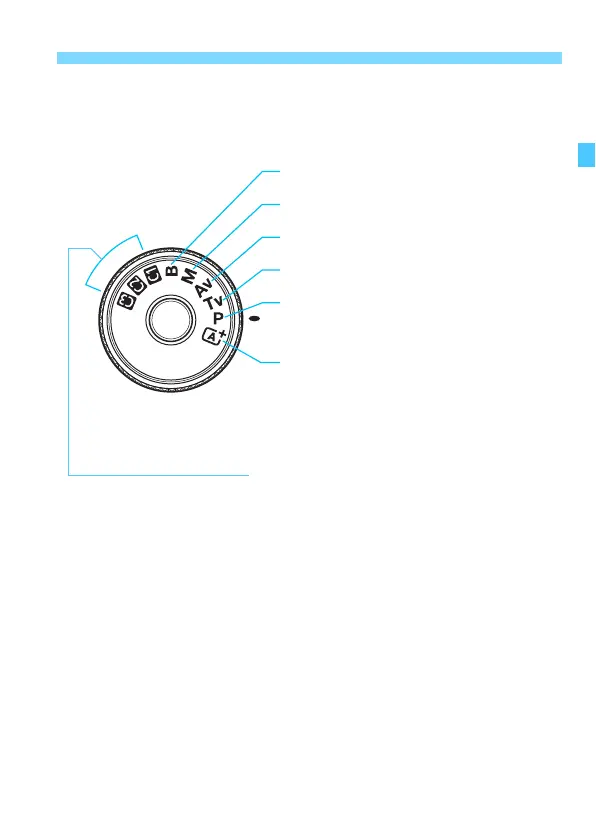
the Mode Dial center (Mode Dial lock release button).
A : Scene Intelligent Auto (p.80)
F : Bulb (p.218)
a : Manual exposure (p.210)
f : Aperture-priority AE (p.208)
s : Shutter-priority AE (p.206)
d : Program AE (p.204)
Custom shooting mode
You can register the shooting mode (d/s/f/a/F), AF
operation, menu settings, etc., to w, x, y Mode Dial positions
(p.437).













 To Next Page