If you turn off the power while the Electronic level, Quick Control screen,
or Custom Quick Control screen is displayed, the same screen will be
displayed when you turn on the power again. To cancel this function,
press the <B> button a number of times until the screen is blank,
then turn off the power switch.
Note that you cannot remove the [X] for all four display options.
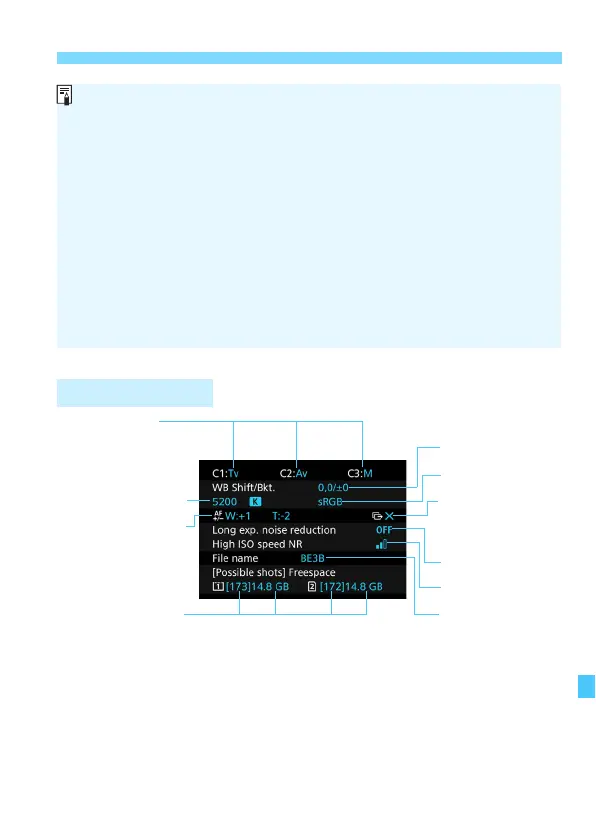
The [Displays camera settings] sample screen is displayed in English
for all languages.
Even if you uncheck the [Electronic level] so it does not appear, it will
still appear for Live View shooting and movie shooting when you press
the <B> button.
While the Quick Control screen or Custom Quick Control screen is
displayed, pressing the <Q> button enables you to set a function with
Quick Control (p.61).













 To Next Page