k Shooting Movies
282
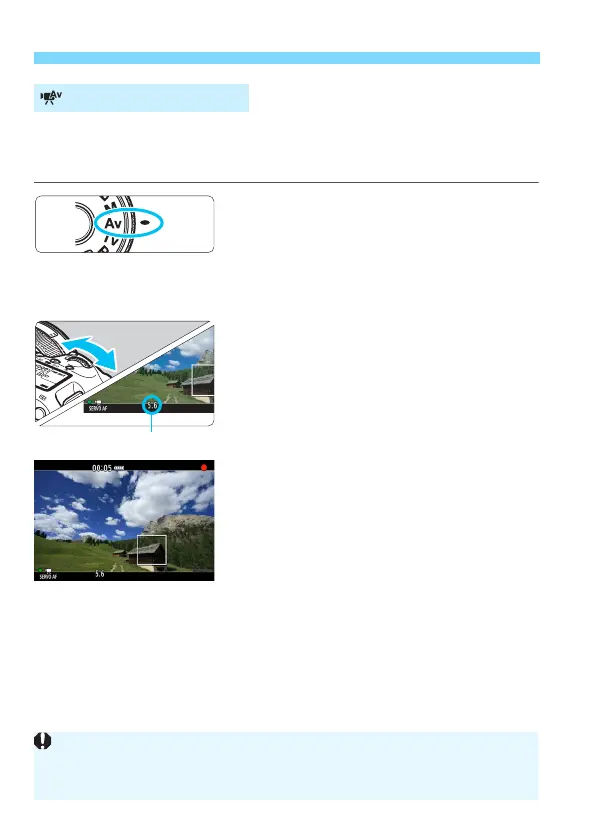
When the shooting mode is <f>, you can manually set the aperture
for movie shooting. The ISO speed and shutter speed will be set
automatically to suit the brightness and obtain a standard exposure.
1
Set the Mode Dial to <f>.
2
Set the Live View shooting/Movie
shooting switch to <k>.
3
Set the desired aperture.
While looking at the LCD monitor,
turn the <6> dial.
4
Focus and shoot the movie.
The procedure is the same as steps 3
and 4 for “Autoexposure Shooting”
(p.280).
Aperture-priority AE
Changing the aperture during movie shooting is not recommended since
variations in the exposure, due to the drive of the lens aperture, will be
recorded.













 To Next Page