Before You Start
72
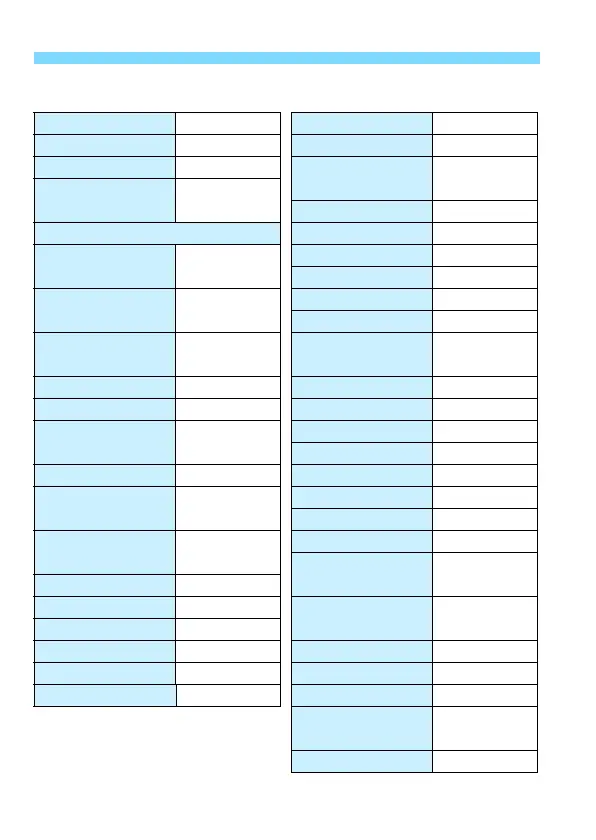
Image Recording Settings Camera Settings
Image quality 73 Auto power off 1 min.
Crop/aspect ratio Full-frame Beep Enable
Picture Style Standard
Release shutter
without card
Enable
Auto Lighting
Optimizer
Standard
Image review time 2 sec.
Lens aberration correction Highlight alert Disable
Peripheral illumination
correction
Enable/Correction
data retained
AF point display Disable
Playback grid Off
Chromatic aberration
correction
Enable/Correction
data retained
Histogram display Brightness
Movie playback count
Unchanged
White balance
Q (Ambience
priority)
Magnification
(Approx.)
2x (magnify
from center)
Custom White Balance
Canceled Control over HDMI Disable
White balance shift Canceled Image jump w/6 e (10 images)
White balance
bracketing
Canceled
Auto rotate OnzD
LCD brightness Auto
Color space sRGB Date/Time/Zone Unchanged
Long exposure
noise reduction
Disable
Eye-Fi settings Disable
Language Unchanged
High ISO speed
noise reduction
Standard
Video system Unchanged
z button display
options
All items
selected
Highlight tone priority
Disable
Record function Standard
Custom Quick
Control
Unchanged
File numbering Continuous
File name Preset code m
button function
Rating
Auto cleaning Enable
Custom shooting mode
Unchanged
Dust Delete Data Erased
Copyright information
Unchanged
Configure:
MY MENU
Unchanged
Menu display Normal display













 To Next Page