59
Basic Operation
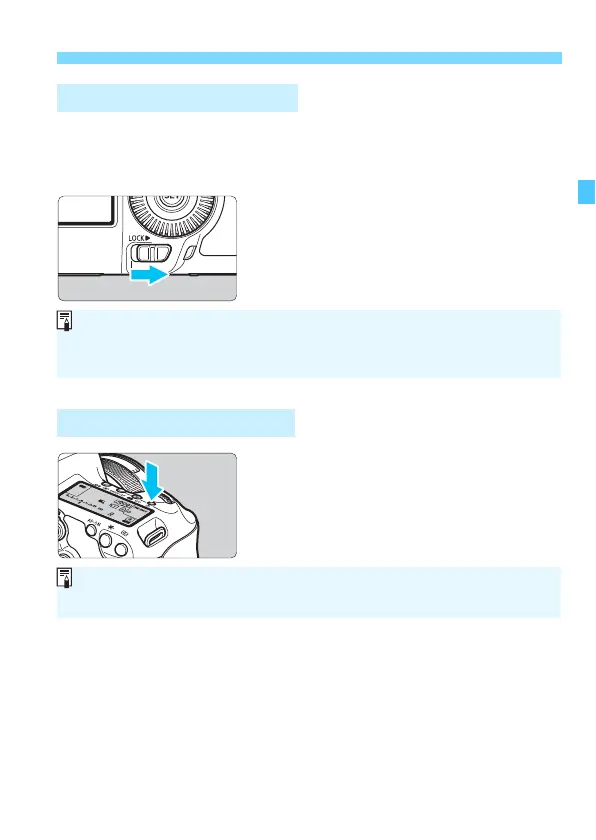
By setting [83: Multi function lock] (p.410) and moving the <R>
switch to the right, you can prevent the Main Dial, Quick Control Dial,
and Multi-controller from moving and changing a setting inadvertently.
<R> switch set to the left:
Lock released
<R> switch set to the right:
Lock engaged
You can illuminate the LCD panel by
pressing the <U> button. Turn on (9)
or off the LCD panel illumination by
pressing the <U> button.
R Multi Function Lock
U LCD Panel Illumination
If the <R> switch is set to the right and you try to operate any of the
locked camera controls, <L> will appear in the viewfinder and on the LCD
panel. Also, [LOCK] will appear on the Quick Control screen (p.60).
During a bulb exposure, pressing the shutter button completely will turn off
the LCD panel illumination.













 To Next Page