Basic Operation
56
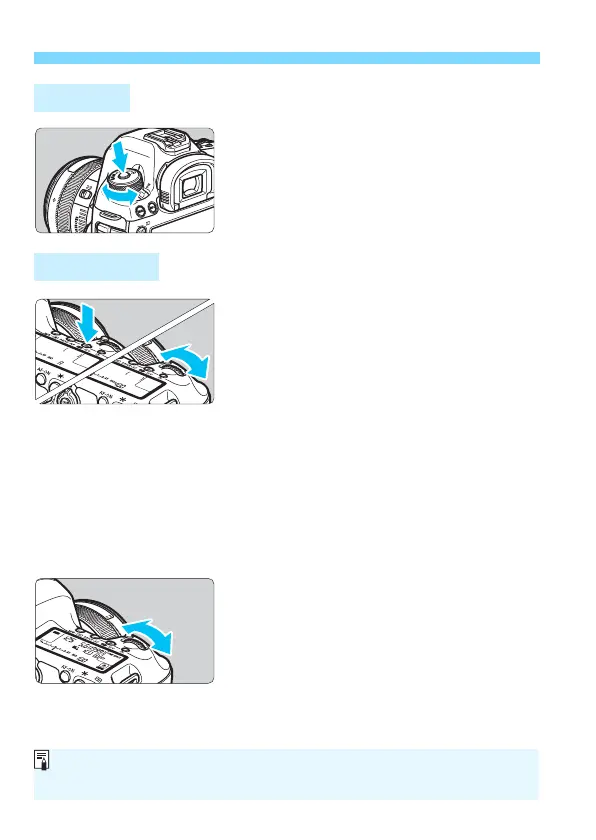
Turn the dial while holding down
the lock release button at the
center of the dial.
Use it to set the shooting mode.
(1)
After pressing a button, turn the
<6> dial.
When you press a button such as
<n> <o> <m>, the
respective function remains selected for
6 sec. (9). During this time, you can
turn the <6> dial to change the setting.
When the function selection ends or if
you press the shutter button halfway, the
camera will be ready to shoot.
Use this dial to select the metering
mode, AF operation, ISO speed, AF
point, etc.
(2)
Turn the <6> dial only.
While looking at the viewfinder or LCD
panel, turn the <6> dial to change the
setting.
Use this dial to set the shutter speed,
aperture, etc.
Mode Dial
6 Main Dial
The operations in (1) are possible even when the <R> switch is set to
the right (Multi function lock, p.59).













 To Next Page