244
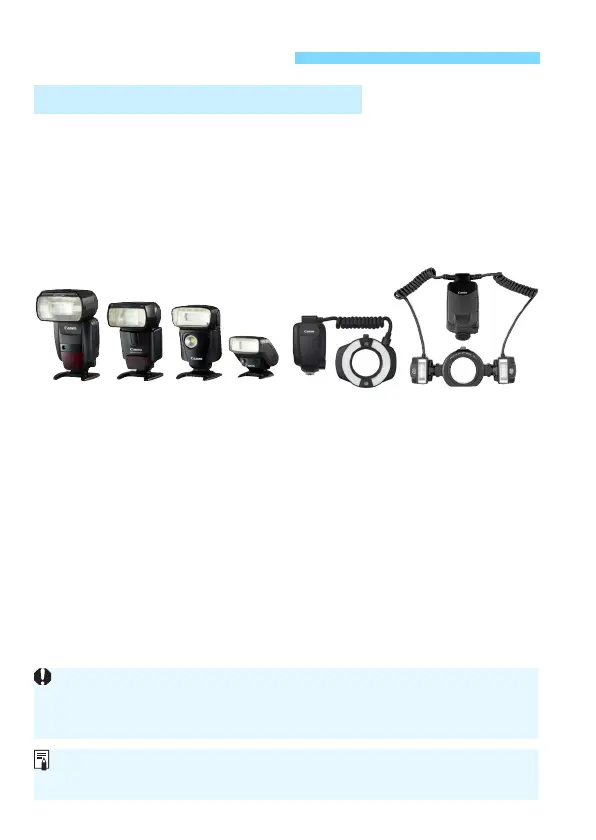
An EX-series Speedlite (sold separately) makes flash photography as
easy as normal shooting.
For detailed instructions, refer to the EX-series Speedlite’s
instruction manual. This camera is a Type-A camera that can use all
the features of EX-series Speedlites.
To set the flash functions and flash Custom Functions with the camera’s
menu, see pages 247-253.
Flash exposure compensation
In the same way as normal exposure compensation, flash exposure
compensation can be set. You can set flash exposure compensation
up to ±3 stops in 1/3-stop increments.
Press the camera’s <m> button, then turn the <5> dial while
looking in the viewfinder or at the LCD panel.
FE lock
This enables you to attain a proper flash exposure for a specific part
of the subject. Aim the viewfinder center over the subject, press the
camera’s <B> button, then compose the shot and take the
picture.
D Flash Photography
EOS-dedicated, EX-series Speedlites
Shoe-mount Speedlites Macro Lites
If it is difficult to achieve focus with autofocus, the EOS-dedicated, external
Speedlite will automatically emit the AF-assist beam as necessary.
If [z2: Auto Lighting Optimizer] (p.182) is set to any setting other than
[Disable], the image may still look bright even if a decreased exposure
compensation for a darker image is set.













 To Next Page