263
Shooting Function Settings
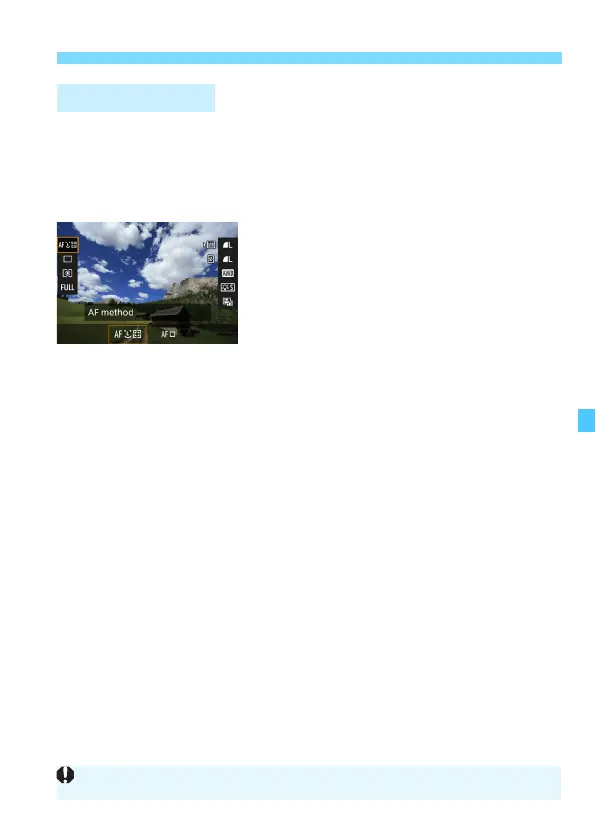
In the <d> <s> <f> <a> <F> modes, the AF method, Drive
mode, Metering mode, Crop/aspect ratio, Recording/playing back
card and image quality, White balance, Picture Style, and Auto
Lighting Optimizer can be set.
In the <A> mode, only the functions in bold above can be set.
1
Press the <Q> button (7).
X The settable functions will be
displayed.
2
Select a function and set it.
Use <9> to select a function.
X The setting of the selected function is
displayed on the screen.
Turn the <6> or <5> dial to set it.
To set the RAW image-recording
quality, press <0>.
To select the card for recording/
playing back, WB shift/bracketing, or
Picture Style parameters, press the
<B> button.
To set Auto white balance, select
[Q], then press <0>.
Press <0> to finalize the setting and
return to Live View shooting.
Q Quick Control
If [Crop/aspect ratio] is set, [Shooting area] (p.154) cannot be set.













 To Next Page