54
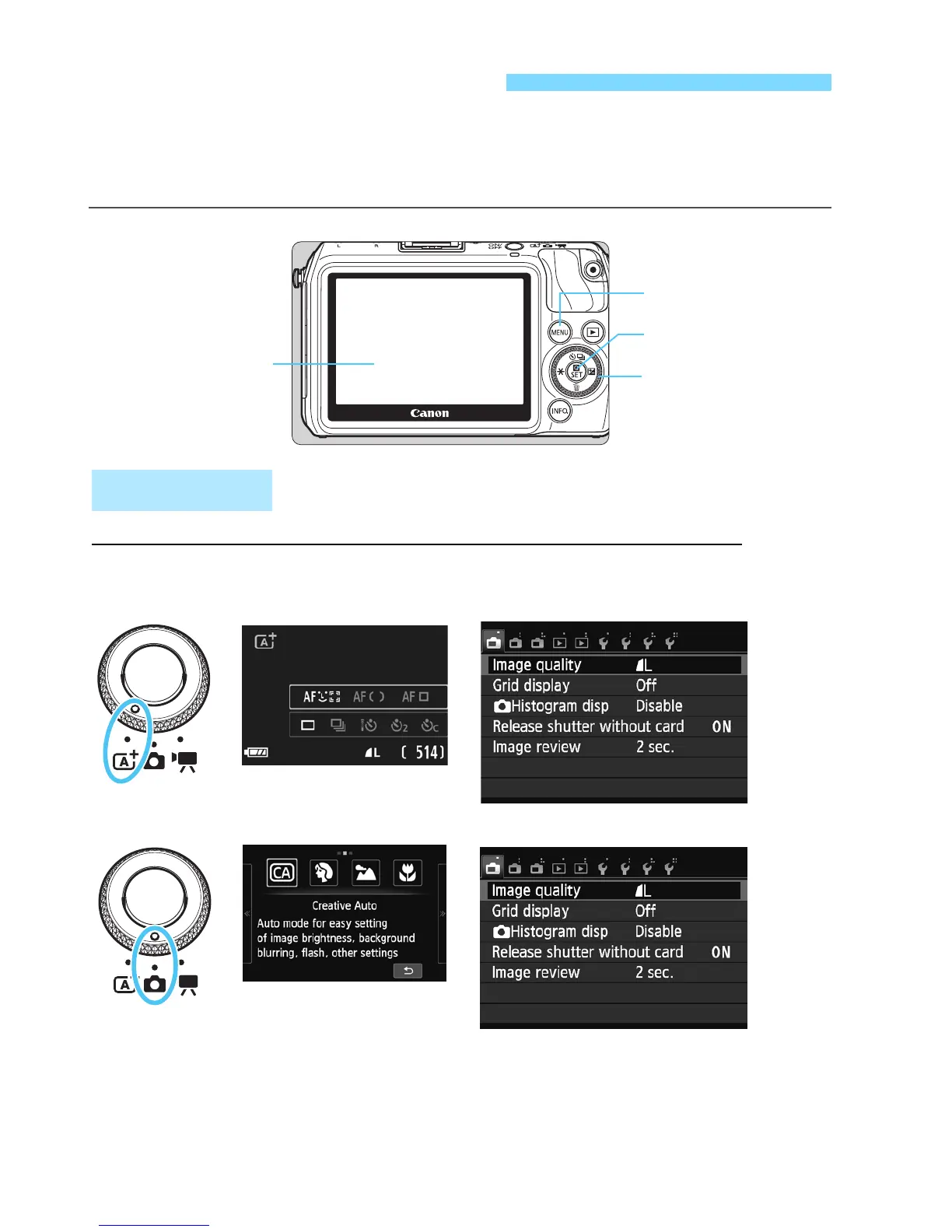
You can set various settings with the menus such as the image-
recording quality, date/time, etc. Operate the menus with the <M>
button, Main Dial, and <Q/0> button.
3 Menu Operations
Main Dial
LCD monitor
<Q/0>
The menu applicable to the current shooting mode is provided.
Menu Screen
<M> button
Basic Zone modes
Scene Intelligent Auto



 To Next Page