83
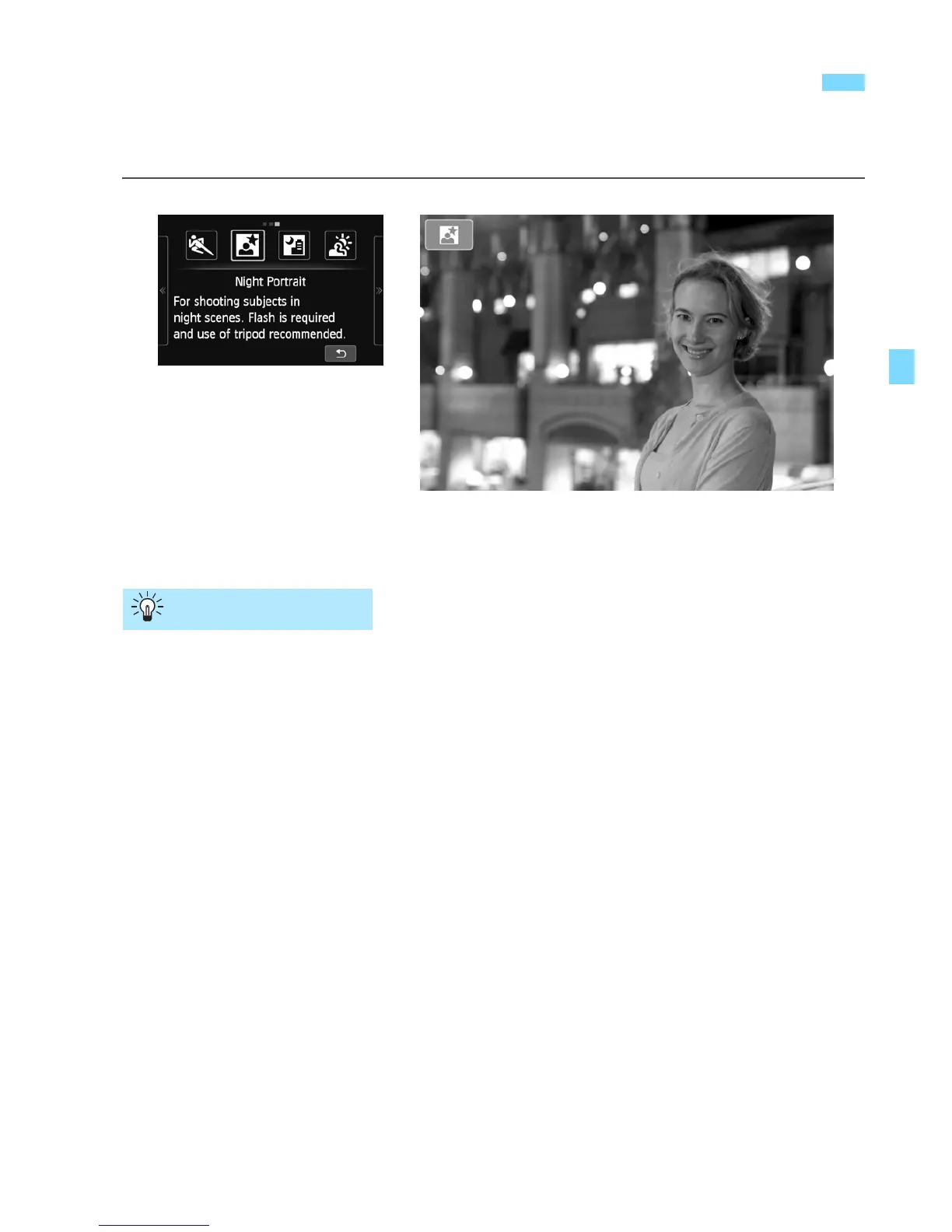
Attach Speedlite 90EX and shoot portraits with a beautiful and bright
night scene in the background.
Use a wide-angle lens and a tripod.
When using a zoom lens, use the wide-angle end to obtain a wide
night view. Also, use a tripod to prevent camera shake.
Take portraits without flash.
When the Speedlite’s power is <1>, the Speedlite will fire a flash
automatically under low-light conditions to obtain a nice portrait.
You should then play back the image to check the image brightness.
If the subject looks dark, move nearer and shoot again.
The effective range of the flash is explained in “Effective Flash
Range” on page 139.
When shooting a night scene without a human subject, turn off the
Speedlite.
Also shoot in another shooting mode.
Since camera shake is prone to occur with night shots, shooting also
with <A> and <F> is recommended.
6
Shooting Night Portraits (Night Portrait)
(With a Tripod)
Shooting Tips



 To Next Page