133
You can shoot up to approx. 4.3 shots per second (p.134).
This is effective for shooting a child walking toward you or capturing
different facial expressions.
1
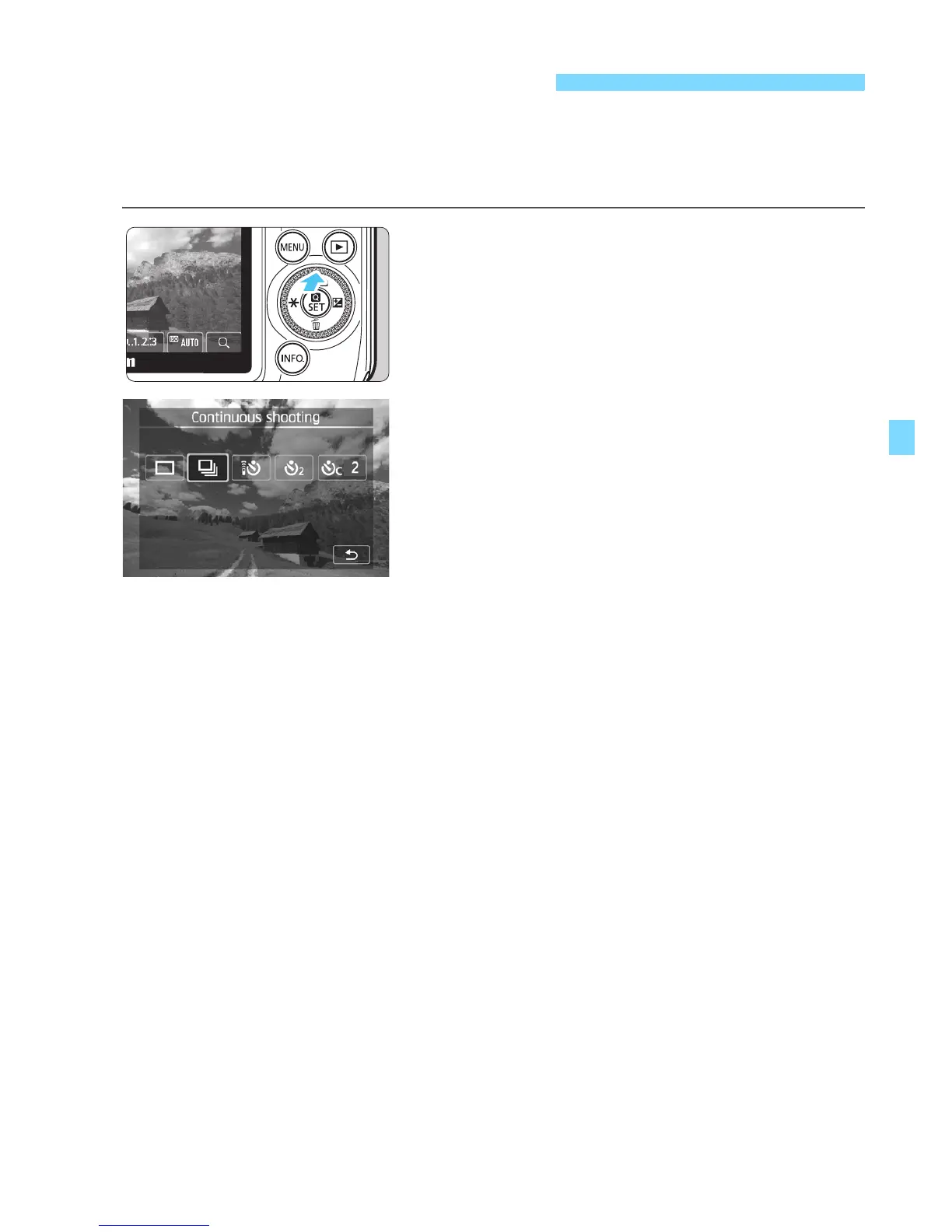
Press the <Wj/i> button.
You can also select the shooting
mode on the B Quick Control
screen.
2
Tap [i].
By tapping [2], you can return to the
previous screen.
3
Take the picture.
The camera shoots continuously
while you hold down the shutter
button completely.
i Continuous Shooting



 To Next Page