58
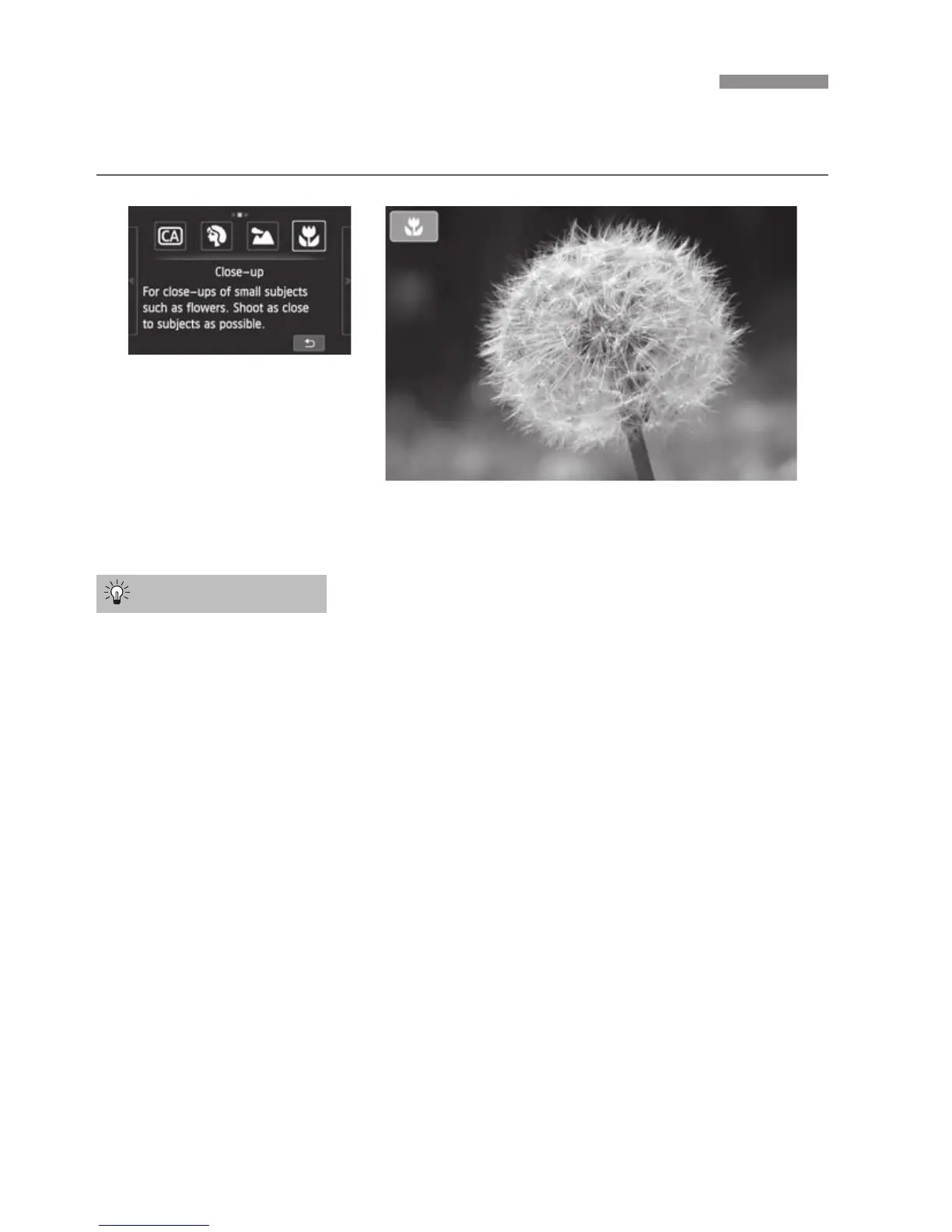
For shooting flowers and small objects up close. To make small things appear
much larger, use a macro lens (sold separately).
Use a simple background.
When the background has no other flowers, leaves, etc., the close-up
subject will stand out more.
Move as close as possible to the subject.
Check the lens for its minimum focusing distance. Some lenses have
indications such as <40.25m/0.8ft>. (This example indicates a minimum
focusing distance of 25 cm/0.8 ft.) The lens minimum focusing distance is
measured from the <V> (focal plane) mark (on the left of the hot shoe) to
the subject. If you get too close to the subject, focus cannot be achieved.
With a zoom lens, use the telephoto end.
If you have a zoom lens, using the telephoto end will make the subject look
larger.
4 Shooting Close-ups (Close-up)
Shooting Tips



 To Next Page