44
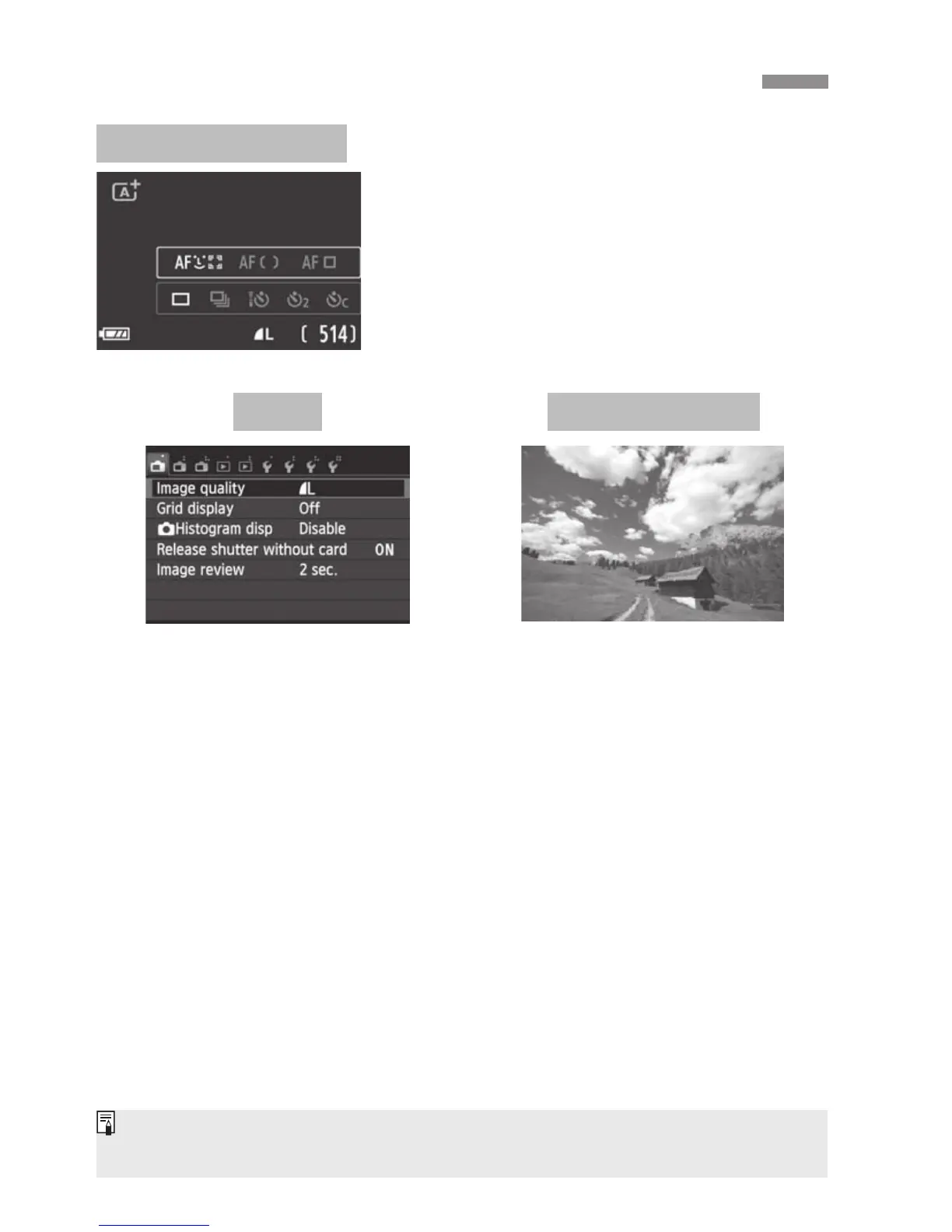
Each time you press the <B> button,
the LCD monitor switches between the
Live View screen and B Quick Control
(p.36).
Switching the LCD Monitor Display
B Quick Control
Appears when you press the
<M> button. Press the button
again to return to the Live View
screen.
Appears when you press the
<x> button. Press the button
again to return to the Live View
screen.
Menu Captured Image
Even when the menu screen or captured image is displayed, pressing the
shutter button will enable you to shoot immediately.



 To Next Page