53
1
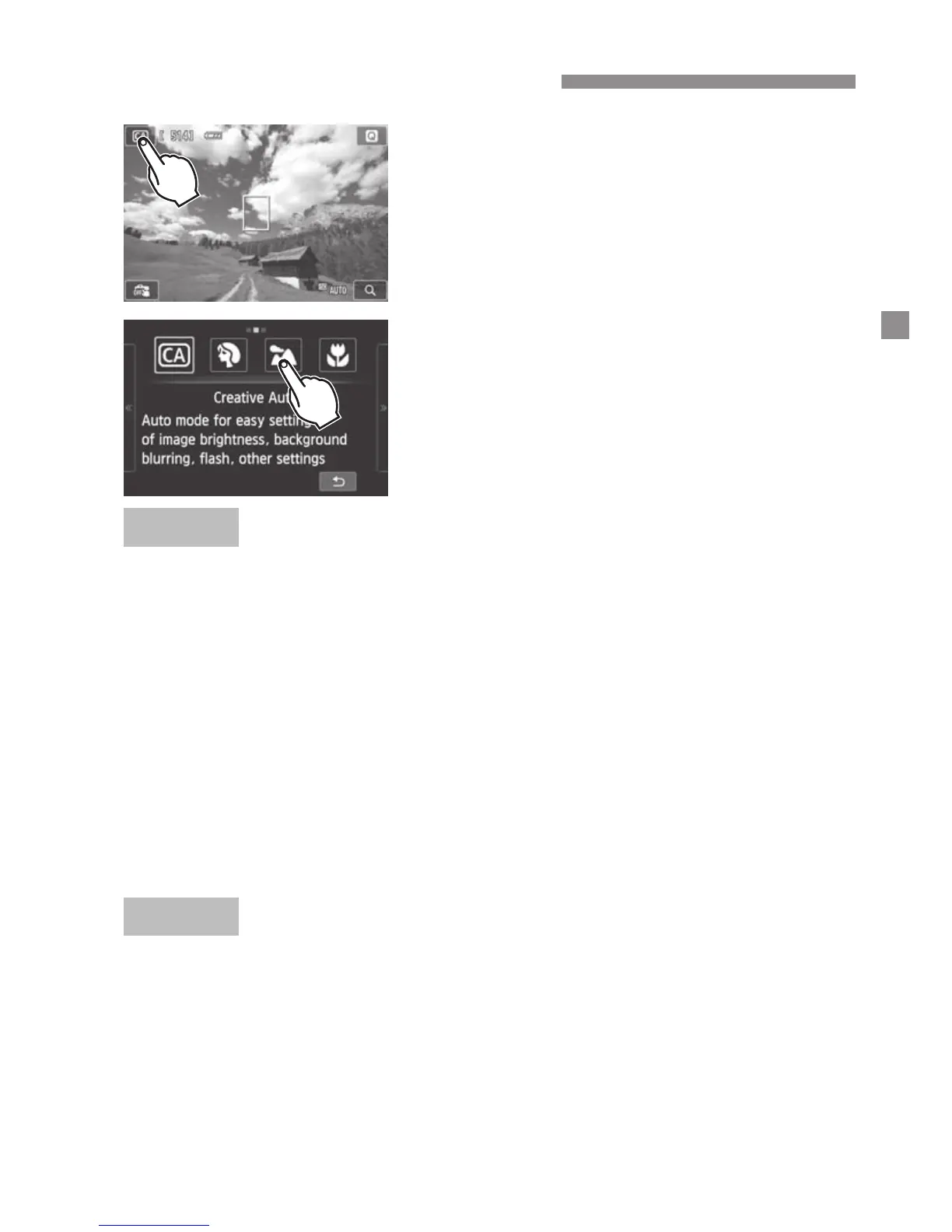
Tap the shooting mode icon on the
screen’s upper left corner.
The shooting mode selection screen will
appear.
2
Tap the screen to select a shooting
mode.
You can also select the shooting mode on
the B Quick Control screen.
Tap the arrow on either side of the screen to go to another page.
The shooting mode screen has three pages, the Creative Zone screen has
one page, and the Basic Zone screen has two pages.
Creative Zone modes
You can select the following: a: Manual, f: Aperture-priority AE, s:
Shutter-priority AE, and d: Program AE.
Basic Zone modes
C: Creative Auto, 2: Portrait, 3: Landscape, 4: Close-up, 5: Sports,
6: Night Portrait, F: Handheld Night Scene, G: HDR Backlight Control
k: Autoexposure, M: Manual exposure
Select a Shooting Mode
With z
With k



 To Next Page