266
The direct printing procedure can be performed entirely with the
camera while you look at the LCD monitor.
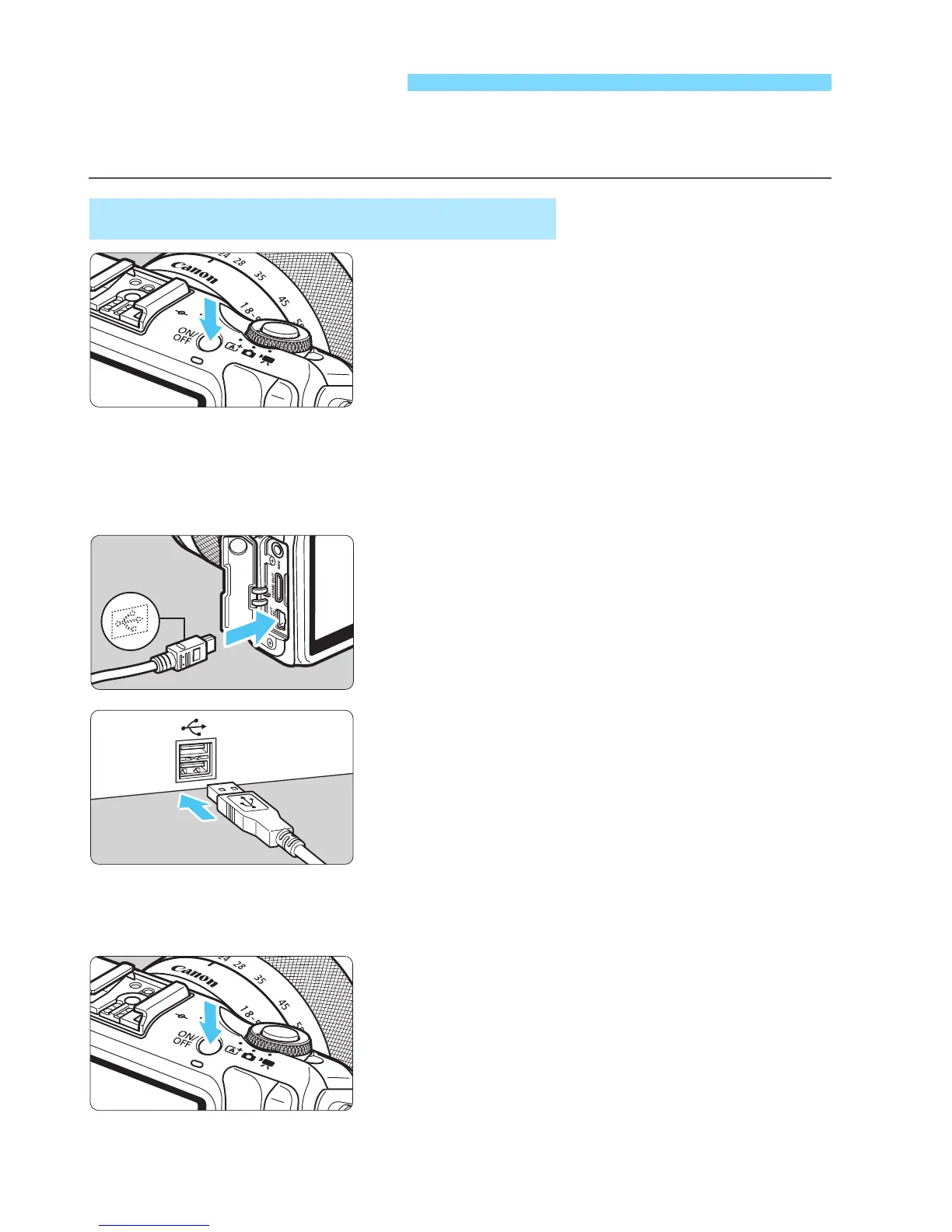
1
Set the camera’s power to
<2>.
2
Set up the printer.
For details, see the printer’s
instruction manual.
3
Connect the camera to the
printer.
Use the interface cable provided with
the camera.
Connect the cable to the camera’s
<C> terminal with the cable
plug’s <D> icon facing the front of
the camera.
To connect to the printer, refer to the
printer’s instruction manual.
4
Turn on the printer.
5
Set the camera’s power to <1>.
X Some printers may make a beeping
sound.
Preparing to Print
Connecting the Camera to a Printer



 To Next Page