59
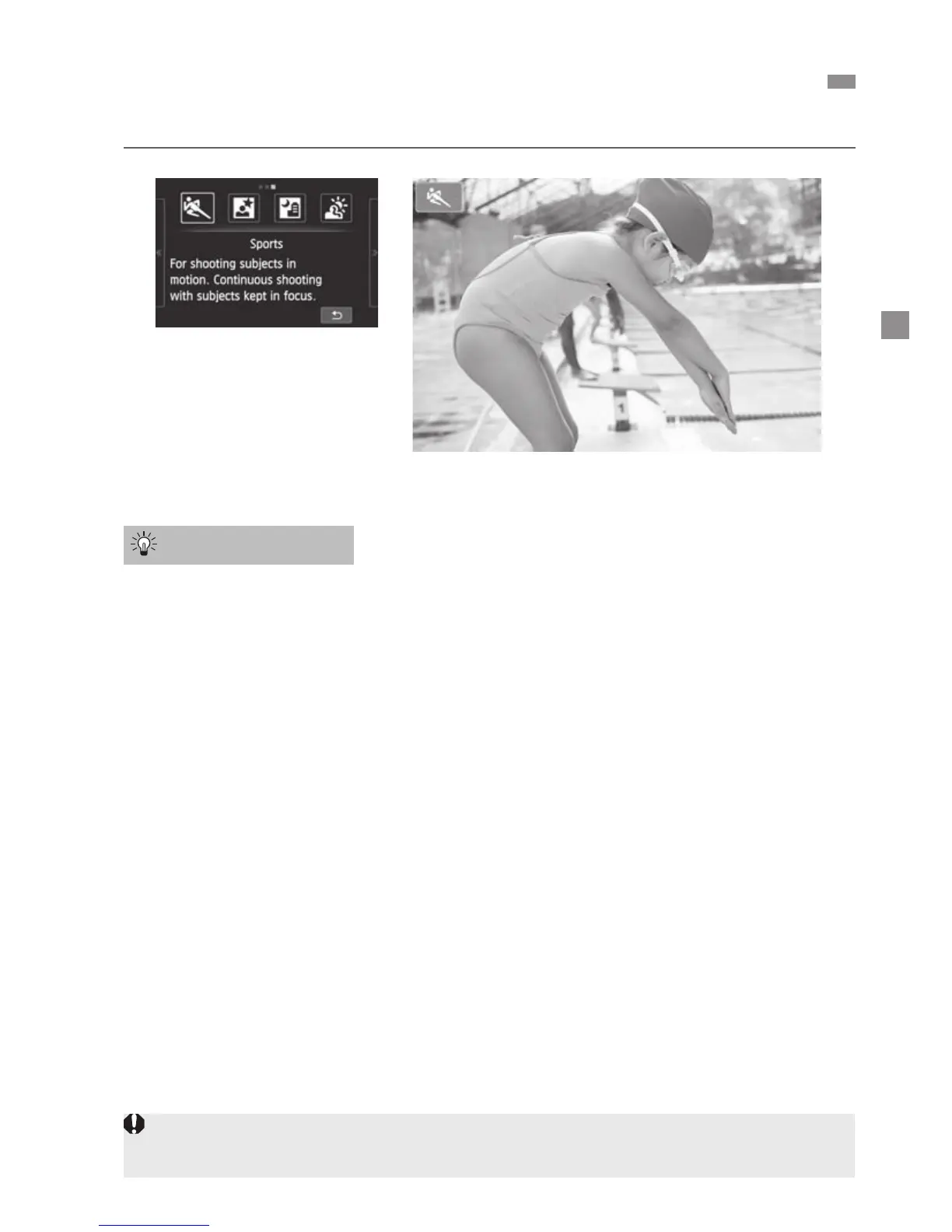
Use this mode to photograph a moving subject.
Shoot continuously.
When you press the shutter button halfway, the camera will focus and the
AF point will be fixed.
While the camera focuses, the beeper will sound. If focus cannot be
achieved, the AF point will turn orange.
When the right moment comes, press the shutter button completely to take
the picture. If you hold down the shutter button completely, the camera will
keep focusing and shooting continuously so you can capture the changing
movement.
The continuous shooting speed (maximum number of frames per
second) depends on the lens used.
• EF-M18-55mm f/3.5-5.6 IS STM: approx. 1.7 fps
• EF-M22mm f/2 STM: approx. 1.2 fps
• EF and EF-S lenses: approx. 4.3 fps
5
Shooting Moving Subjects (Sports)
Shooting Tips
Under low light, when camera shake is prone to occur, the LCD monitor’s shutter
speed display on the bottom left will blink. Hold the camera steady and shoot.



 To Next Page