75
Shooting Movies
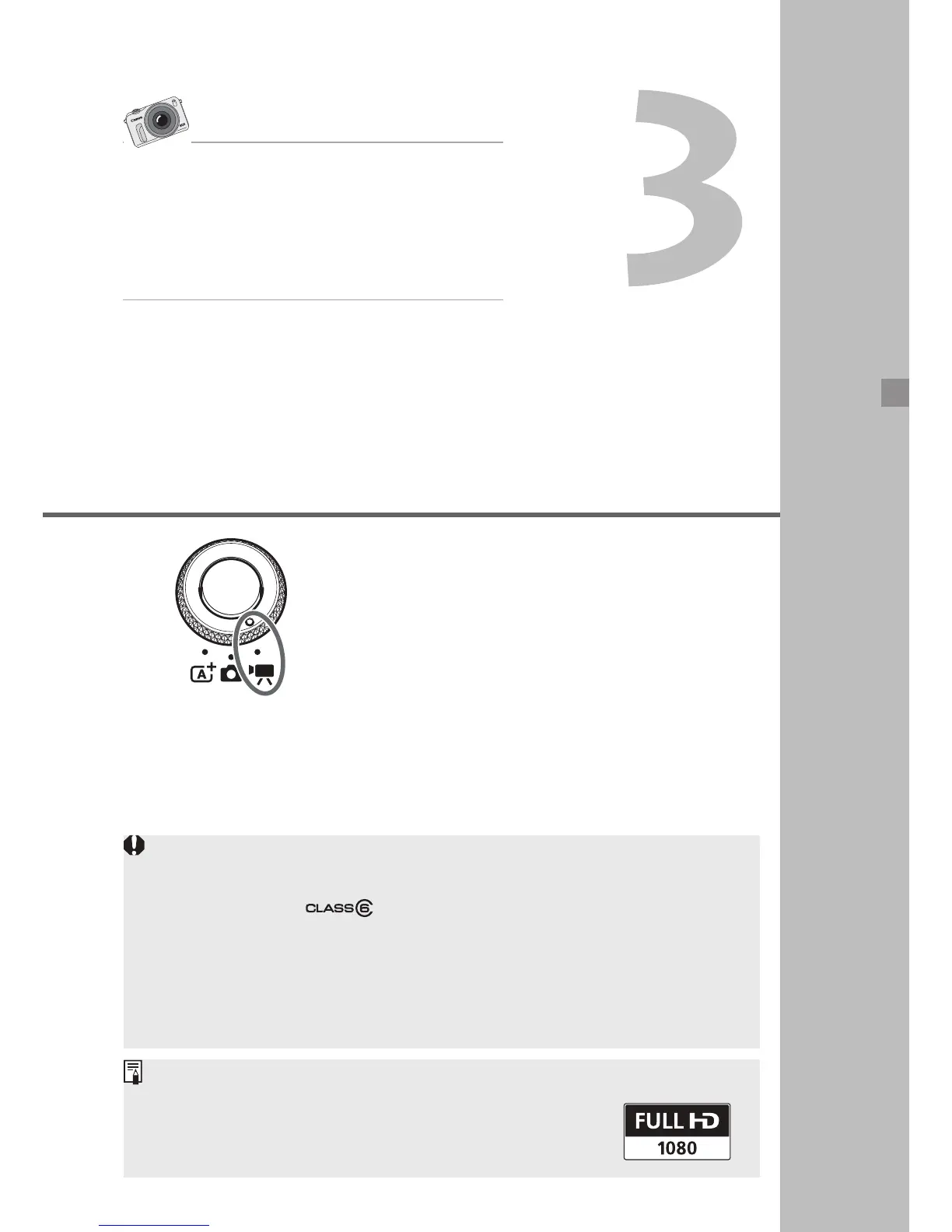
Set the Mode Dial to <k> to shoot
movies. The movie recording format will
be MOV.
For more movie-shooting details,
functions, and cautions, see the
Camera Instruction Manual PDF file.
Cards that can record movies
When shooting movies, use a large-capacity SD card rated SD
Speed Class 6 “ ” or higher.
If the card’s writing speed is slow, the movie may not be recorded
properly. Also, if the card’s reading speed is slow, movies recorded
on the card may not play properly.
To check the card’s read/write speed, refer to the card manufacturer’s
Web site.
About Full HD 1080
Full HD 1080 indicates compatibility with High-
Definition featuring 1080 vertical pixels (scanning
lines).
Movies shot with interchangeable-lens
digital cameras have a unique look,
different from video shot with camcorders.
You can manipulate how light enters the
camera, shoot wide angle, and enjoy many
other video features.



 To Next Page