Nomenclature
16
Basic Zone
All you do is press the shutter button. The camera sets everything to suit the
subject or scene.
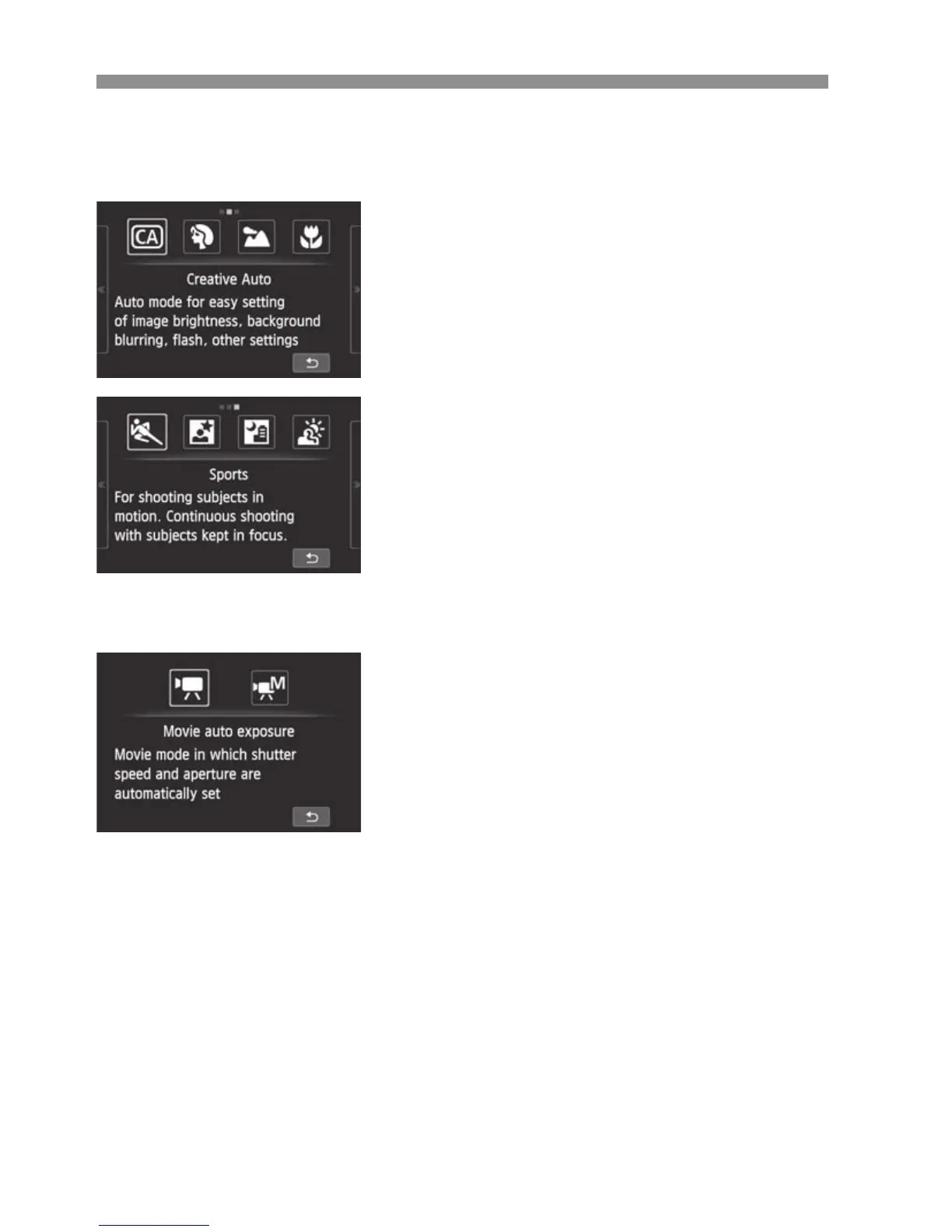
C : Creative Auto (p.54)
2 : Portrait (p.56)
3 : Landscape (p.57)
4 : Close-up (p.58)
5 : Sports (p.59)
6 : Night Portrait (p.60)
F : Handheld Night Scene (p.61)
G : HDR Backlight Control (p.62)
Movies
With <k> Movie, you can select Autoexposure or Manual exposure.
k : Movie auto exposure
M : Movie manual exposure



 To Next Page