Changing the Focusing Method
68
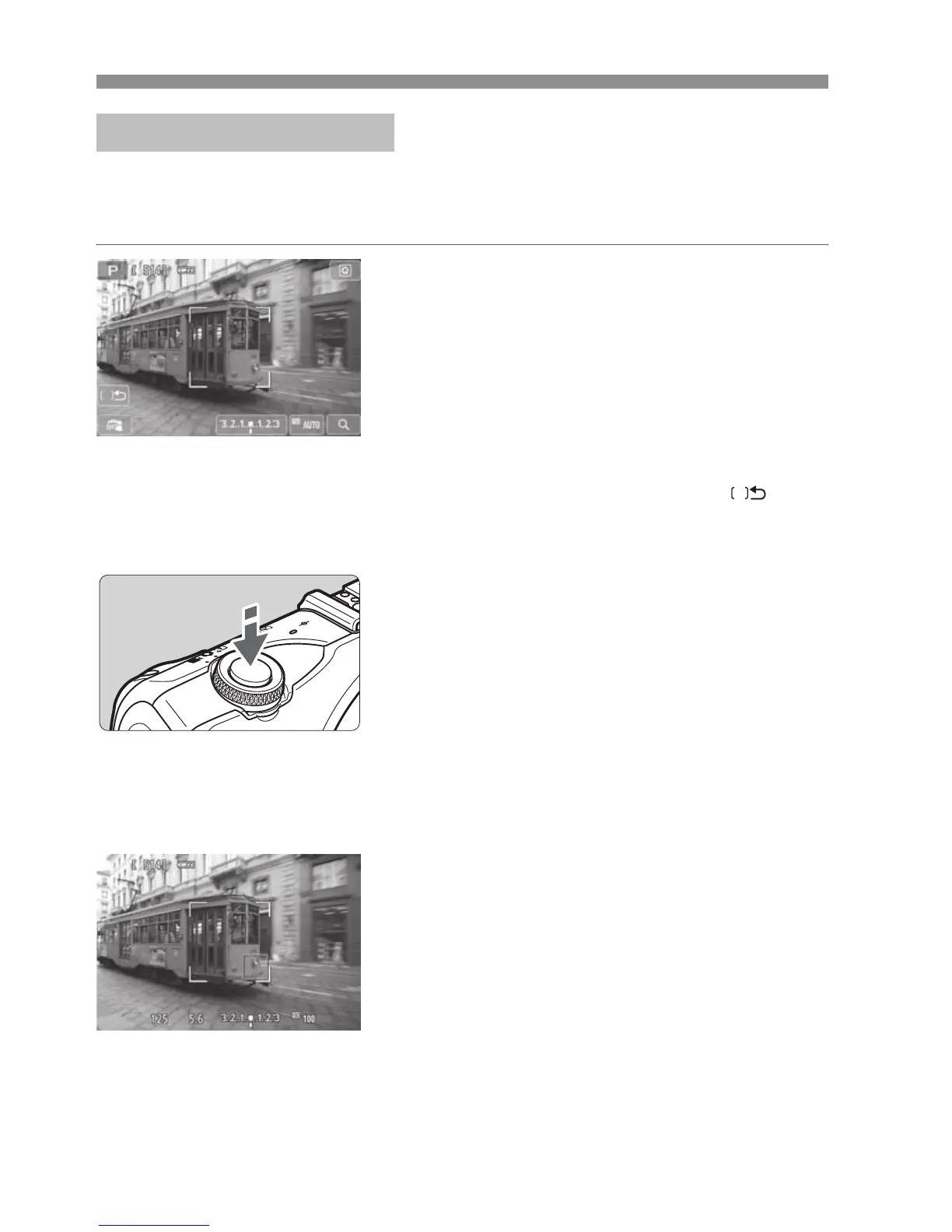
Up to 31 AF points (automatically selected) covering a wide area can be used
to focus. This wide area can also be divided into 9 zones for focusing (zone
selection).
1
Select the AF zone. N
Pressing the <XL> button will toggle
between automatic selection and zone
selection. In Basic Zone modes,
automatic selection will be set.
To select a zone, tap it on the screen. To
return to the center zone, press the
<XL> button.
During zone selection, tap the [ ] icon
on the screen to switch to automatic
selection.
2
Focus the subject.
Aim the AF point over the subject and
press the shutter button halfway.
X When focus is achieved, the AF point
turns green and the beeper sounds. (If
[AF operation] has been set to [Servo
AF], the AF point remains white and the
beeper will not sound.)
X If focus is not achieved, the AF point will
turn orange.
3
Take the picture.
Press the shutter button completely
(p.49).
FlexiZone - Multi:
o


 To Next Page