0K57-006
Setting Up a Print Server
You can lessen the burden on computers that request printing services by setting up a print server. You can also use the print server to
install printer drivers on other computers, so that users of those computers do not need to install the printer driver from the CD-
ROM/DVD-ROM.
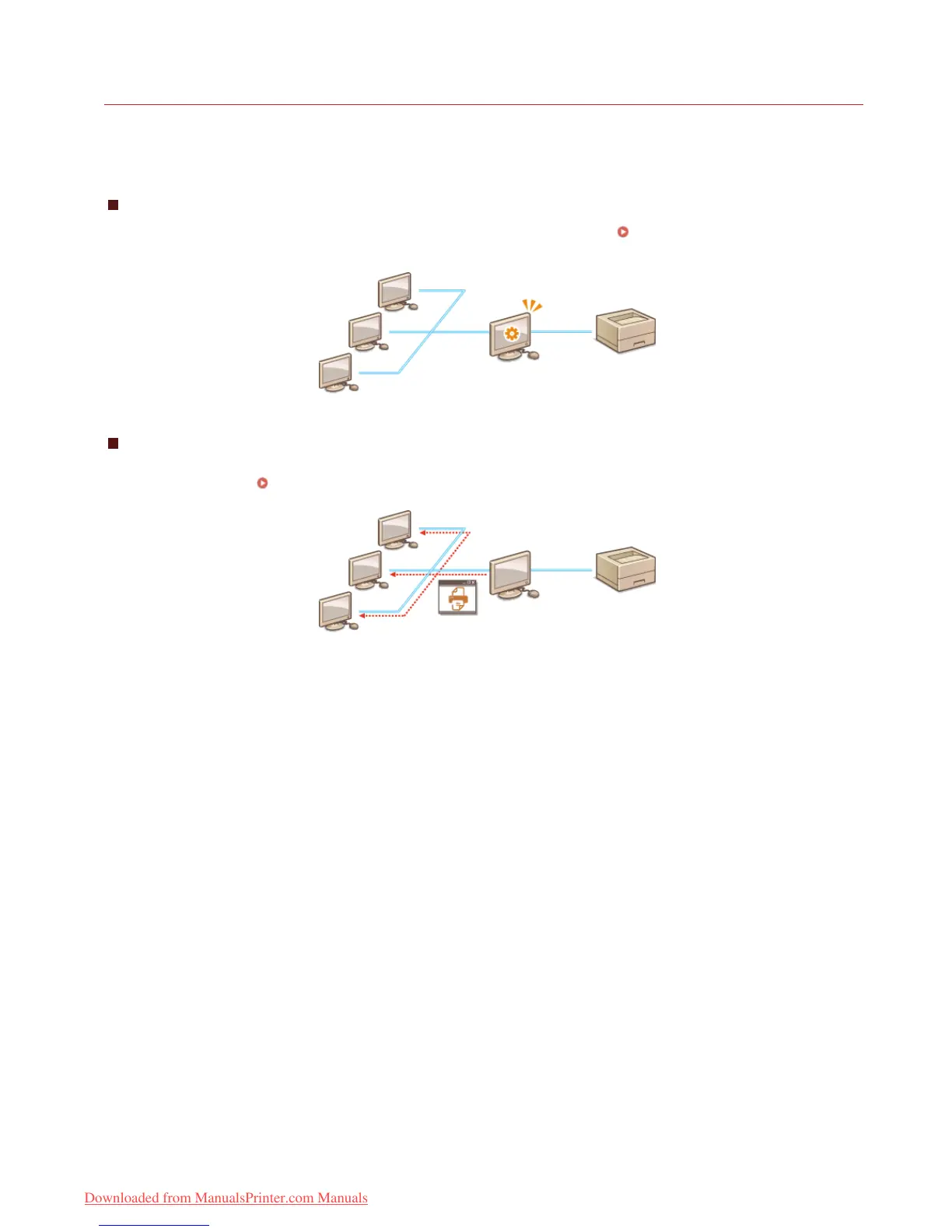
Configuring Settings on the Print Server Computer
Configure printer sharing settings on the computer that you want to use as the print server. Configuring Settings on the Print
Server Computer
Installing Drivers via the Print Server (Client Settings)
You can use the print server to install printer drivers on other computers (clients) on the same network. This allows all of the computers
to share the same printer.
Installing Drivers via the Print Server (Client Settings)
㻞㻟㻌㻛㻌㻡㻢
Downloaded from ManualsPrinter.com Manuals














 To Next Page