0JFC-00L
Loading Paper
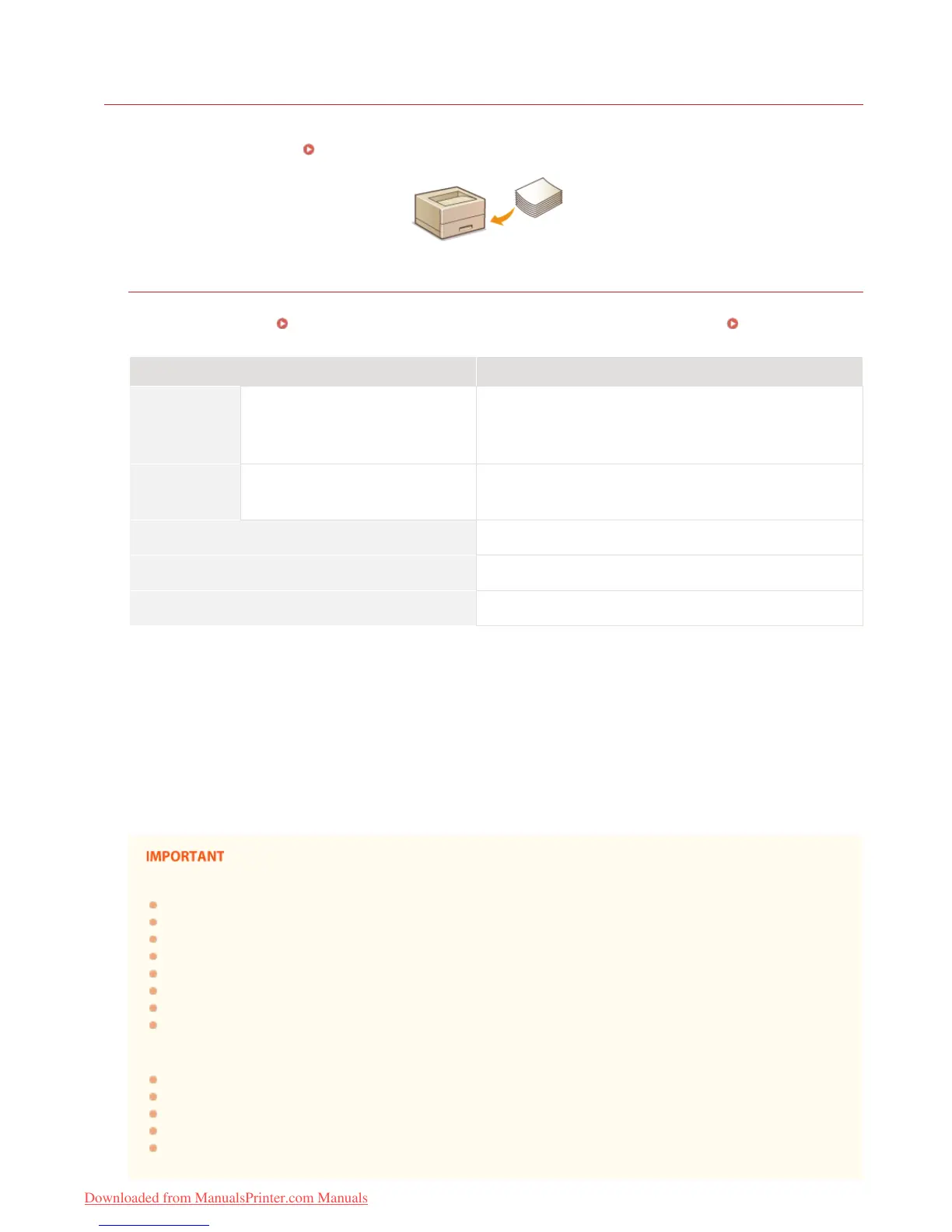
You can load paper in the multi-purpose tray and manual feed slot. Load paper used frequently in the multi-purpose tray. This is useful
because you can load a large number of sheets. When you use paper not loaded in the multi-purpose tray for limited time, load the
paper in the manual feed slot. See
Paper for information about available paper sizes.
Paper Type and Printer Driver Paper Settings
Before printing, refer to the table below and make the appropriate paper settings in the printer driver, according to the type of paper
that you have loaded. See
Basic Print Operations for detailed information about paper settings, and see Paper for information
about the number of sheets that can be set.
Paper Type Printer Driver Paper Setting
Plain paper 60 to 90 g/m²
[Plain]
[Plain L]
[Rough 1]
Heavy paper 91 to 163 g/m²
[Heavy]
[Rough 2]
Transparency [Transparency]
Labels [Labels]
Envelope [Envelope]
Recycled paper can be used.
If paper becomes curled when [Plain] is selected, select this instead.
If you select [Plain] when using paper with a coarse surface (60 to 90 g/m²), there is a possibility that paper jams may occur or that toner may not be
fully fixed and printouts may be faded. In that case, select this instead.
If you select [Heavy] when using paper with a coarse surface (91 to 163 g/m²), there is a possibility that paper jams may occur or that toner may not
be fully fixed and printouts may be faded. In that case, select this instead.
If cloth becomes dirty from toner, select this instead.
Use laser printer transparencies.
Use A4 or Letter size only.
Do not use the following types of paper:
Wrinkled or creased paper
Curled or rolled paper
Torn paper
Damp paper
Very thin paper
Paper with a coarse texture
Glossy paper
Paper that was used on a copier or other printer (do not use its blank side, either)
Paper handling and storage
Store paper on a flat surface.
Keep paper wrapped in its original package to protect the paper from moisture or dryness.
Do not store paper in a way that may cause it to curl or fold.
Do not store paper vertically or stack too many packages of paper.
Do not store paper in direct sunlight, or in a place subject to high humidity, dryness, or drastic changes in temperature or
humidity.
*1 *2
*3 *5
*4 *5
*6 *7
*7
*1
*2
*3
*4
*5
*6
*7
㻞㻥㻌㻛㻌㻞㻠㻜
Downloaded from ManualsPrinter.com Manuals












 To Next Page