0JFC-01U
Setting IPv6 Addresses
Use the Remote UI to set IPv6 addresses. Before setting IPv6 addresses, make sure that the IPv4 address has
been set correctly (
Viewing Network Settings). You can register up to nine of the following IPv6
addresses.
Type
Maximum
number
available
Description
Link-local address
1
An address that is valid only within a subnet or link and cannot be used to communicate with
devices beyond a router. A link-local address is set automatically when the IPv6 function of the
machine is enabled.
Manual address
1
An address that is entered manually. Specify the prefix length and default router address.
Stateless address
6
An address that is generated automatically using the MAC address of the machine and a network
prefix that is advertised by the router. Stateless addresses are discarded when the machine is
restarted (or turned ON).
Stateful address
1
An address obtained from a DHCP server using DHCPv6.
Start the Remote UI and log on in System Manager Mode. Starting the Remote UI
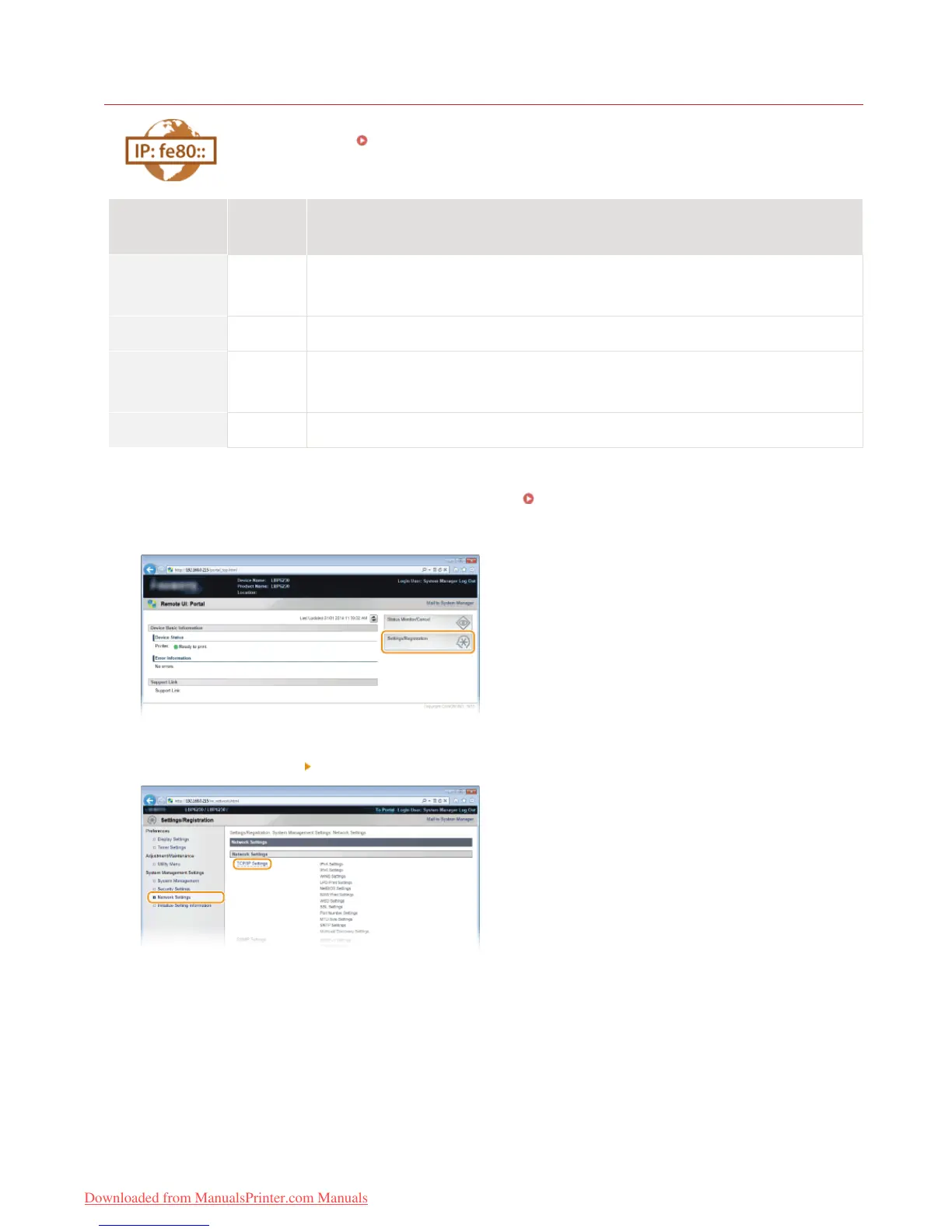
Click [Settings/Registration].
Click [Network Settings] [TCP/IP Settings].
Click [Edit] in [IPv6 Settings].
1
2
3
4
㻣㻥㻌㻛㻌㻞㻠㻜
Downloaded from ManualsPrinter.com Manuals














 To Next Page