When loading envelopes or preprinted paper, see Loading Envelopes or Loading Preprinted Paper.
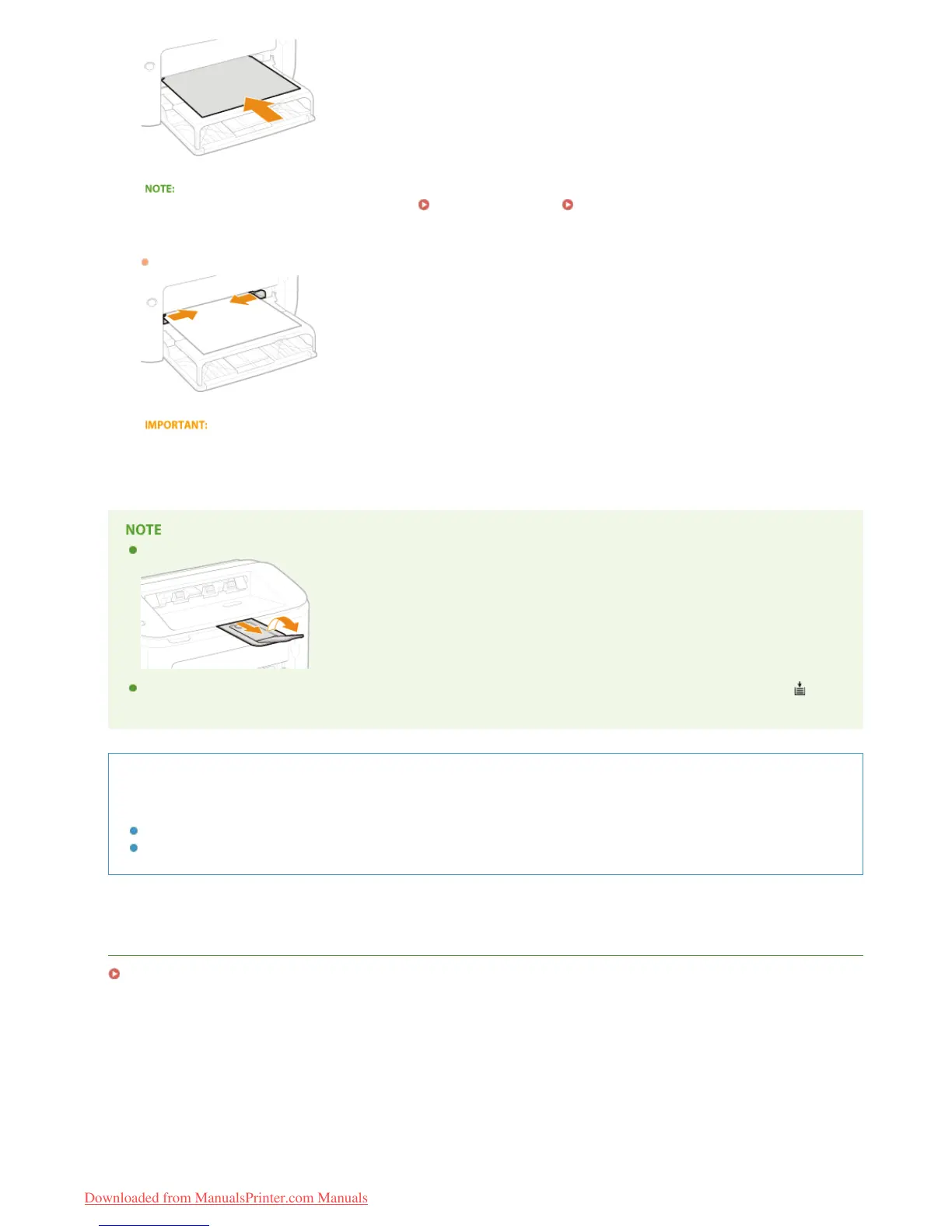
Align the paper guides against the edges of the paper.
Move the paper guides inward and align them securely against the edges of the paper.
Align the paper guides securely to the width of the paper
Paper guides that are too loose or too tight can cause misfeeds or paper jams.
When performing printing, pull out the auxiliary tray in advance so that the output paper does not fall out of the output tray.
After reloading paper that has run out during printing, or resetting the paper after a paper error notification, press the
(Paper) key to restart printing.
Printing on the Back Side of Printed Paper (Manual 2-Sided Printing)
You can print on the back side of printed paper. Flatten any curls on the printed paper and insert it into the manual feed slot
with the side to print face up (previously printed side face down).
You can use only paper printed with this machine.
You cannot print on the side that has been previously printed.
LINKS
Paper
5
㻟㻡㻌㻛㻌㻞㻠㻜
Downloaded from ManualsPrinter.com Manuals














 To Next Page