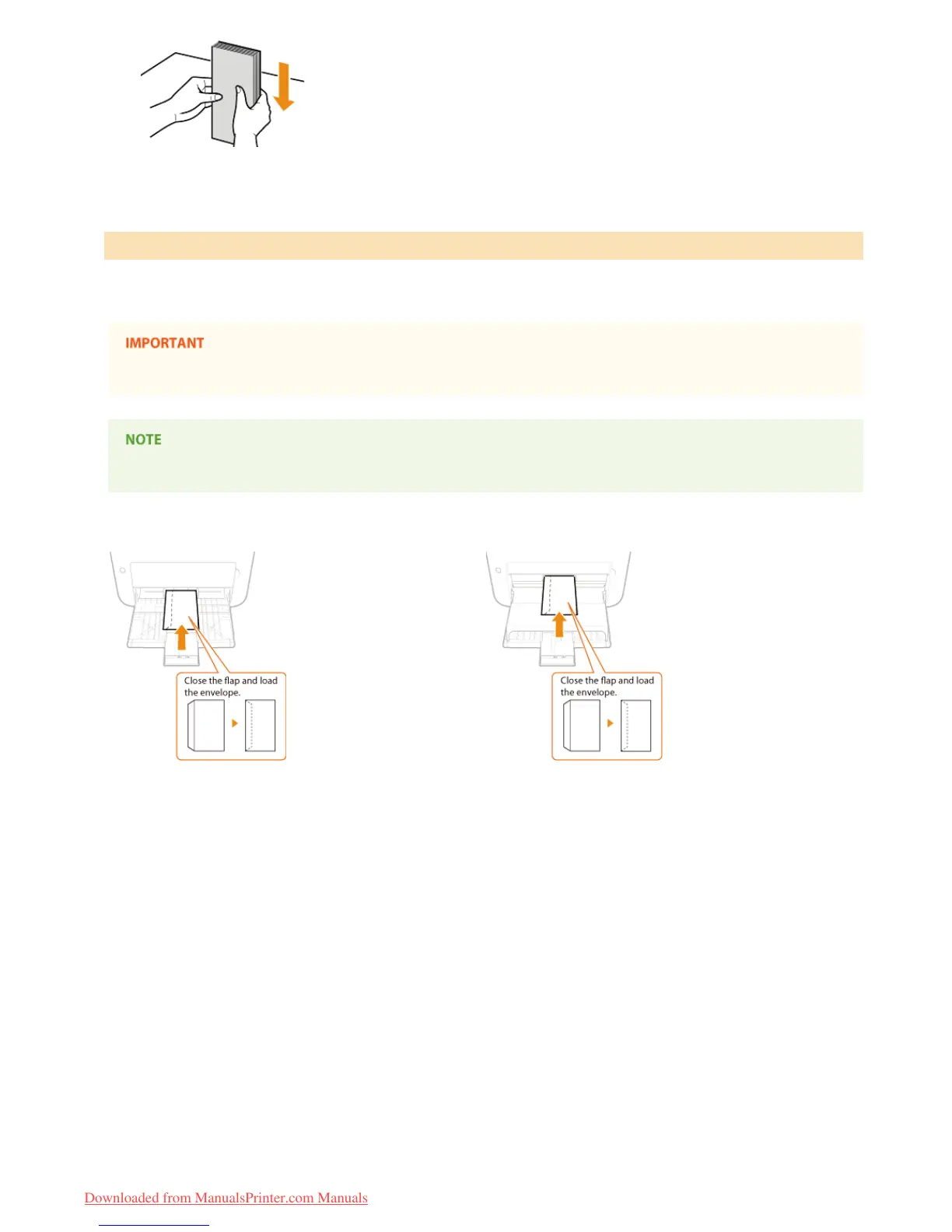
Load the envelopes Monarch, No. 10 (COM10), DL, or C5 in portrait orientation (with the short edge toward the machine), with the non-
glued side (front side) face up. You cannot print on the reverse side of envelopes.
When loading in the manual feed slot, only one envelope can be loaded at a time.
Load the envelopes so that the edge with the flap is toward the left side as shown in the illustration.
Multi-purpose tray
Manual feed slot
Loading Envelopes in the Multi-Purpose Tray and Manual Feed Slot
㻟㻣㻌㻛㻌㻞㻠㻜
Downloaded from ManualsPrinter.com Manuals














 To Next Page