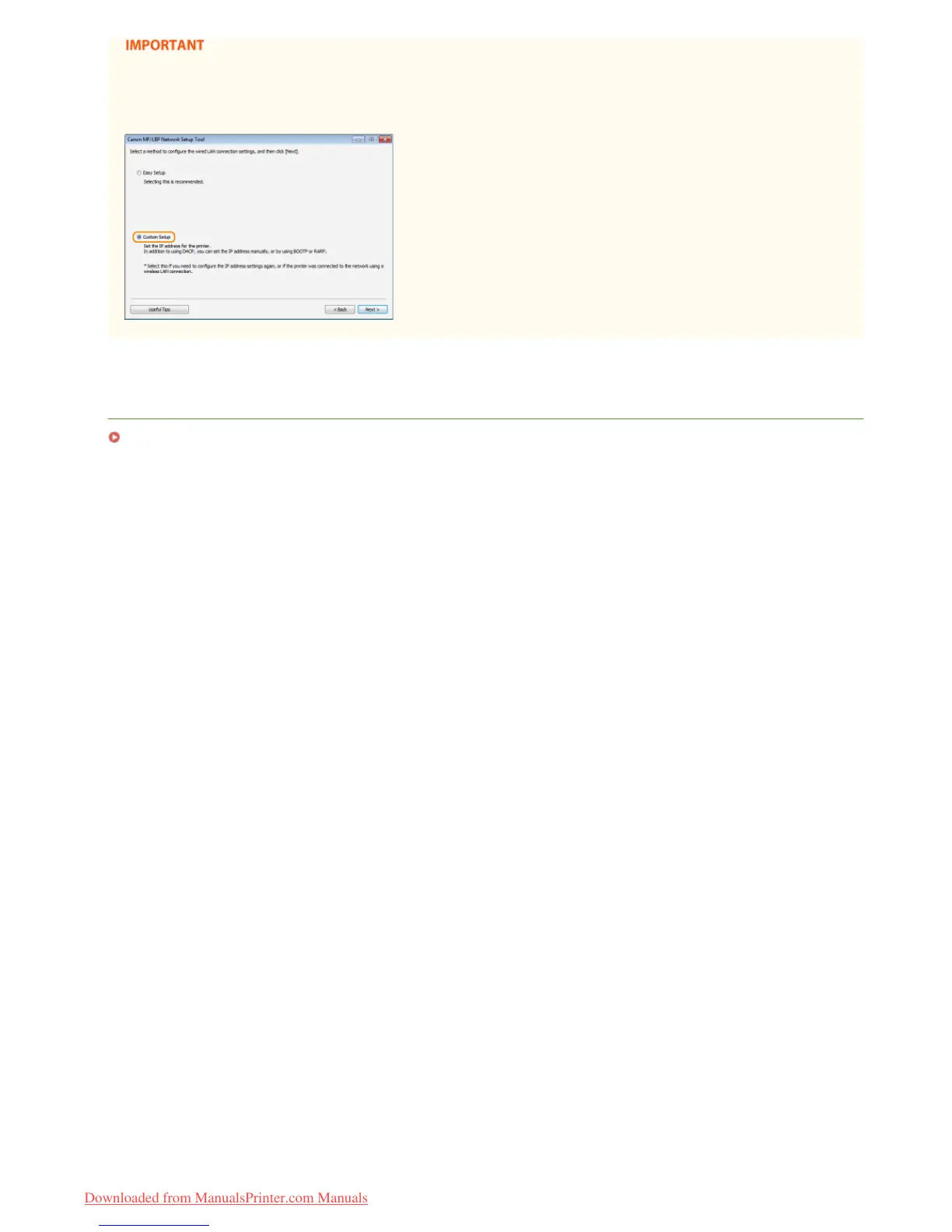
After switching the connection method from wireless LAN to wired LAN
You need to uninstall the currently installed printer driver, configure the wired LAN connection, and then reinstall the printer
driver (Printer Driver Installation Guide). When configuring the wired LAN connection, select [Custom Setup] for the configuration
method.
LINKS
Connecting to a Network
㻣㻟㻌㻛㻌㻞㻠㻜
Downloaded from ManualsPrinter.com Manuals














 To Next Page