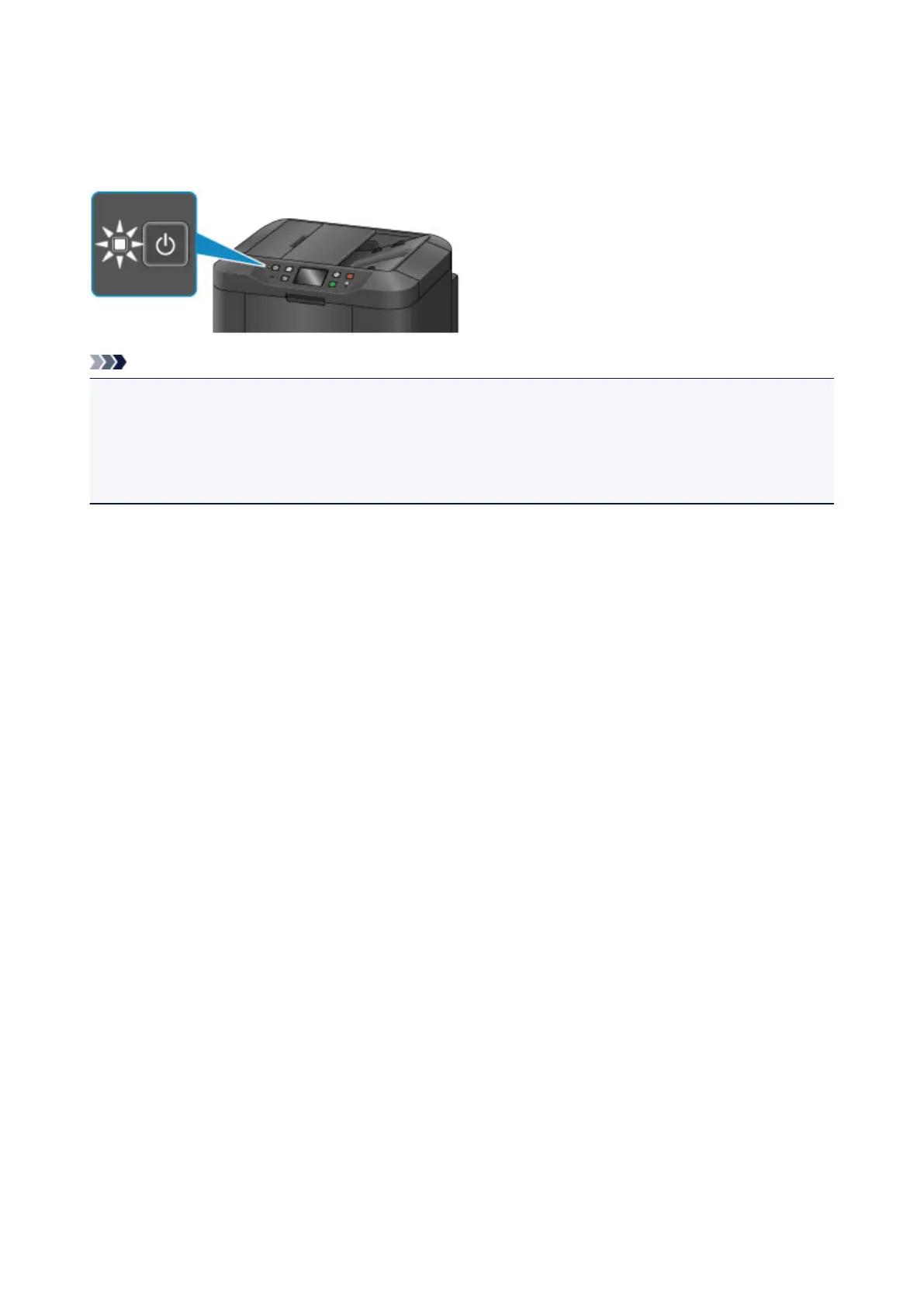
Confirming that the Power Is On
The POWER lamp is lit when the machine is turned on.
Even if the touch screen is off, if the POWER lamp is lit, the machine is on.
Note
• It takes about 10 seconds until you can operate the machine after you turn on its power. Wait until the
HOME screen is displayed on the touch screen.
• The touch screen display will turn off if the machine is not operated for about 5 minutes. To restore the
display, touch the touch screen. The display will be also restored when receiving faxes or performing
the print operation from a computer.
148













 To Next Page