Connection Methods Available on the Machine
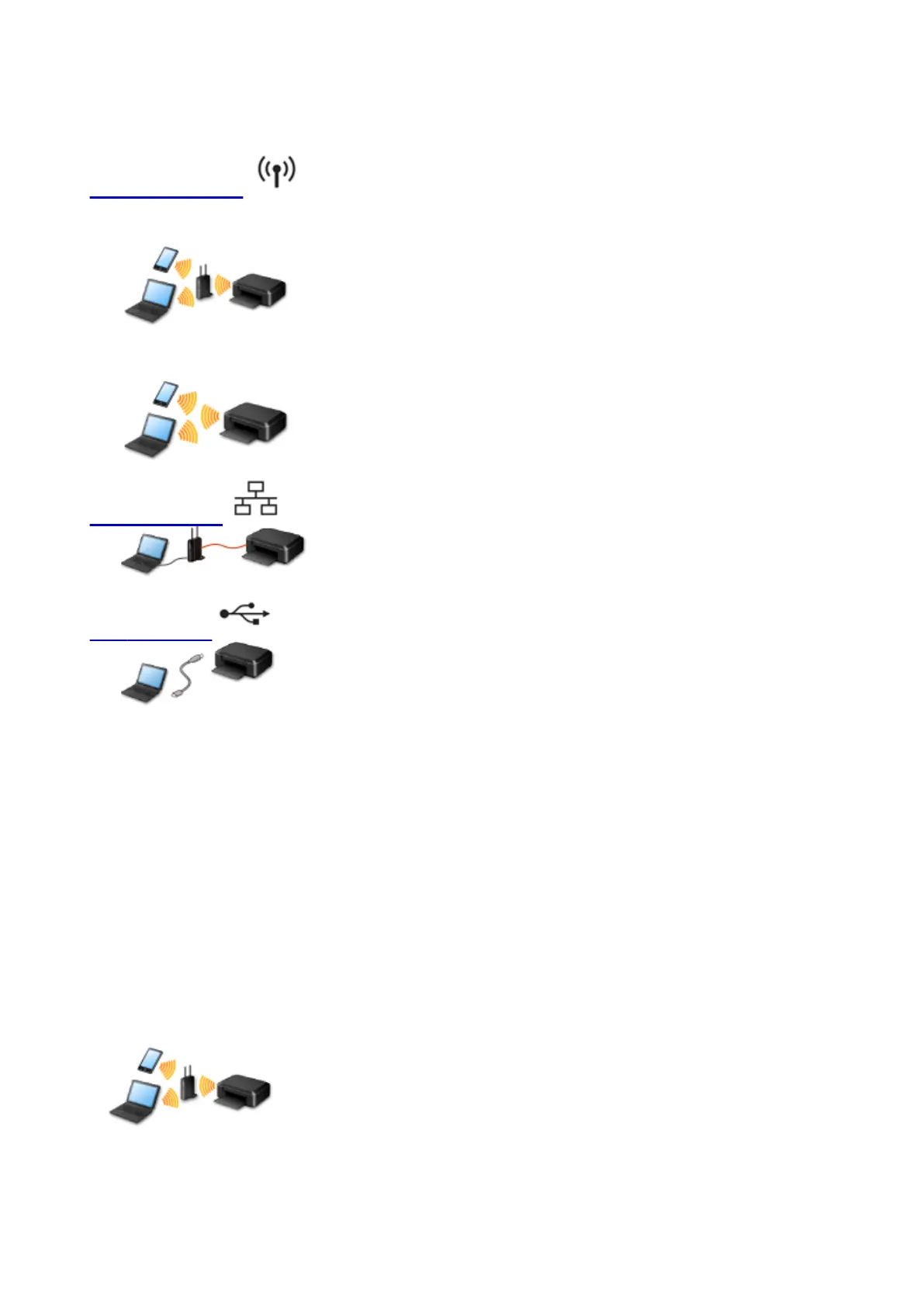
The following connection methods are available on the machine.
Wireless Connection
With an access point
Without an access point
Wired Connection
USB Connection
Wireless Connection
There are two methods for connecting the printer to your device (such as a smartphone). One method is
to connect using an access point, and the other method is to connect without using an access point.
The two connection methods cannot be used at the same time.
If you have an access point (or wireless network router), it is recommended that you use the method
described in Connection Using an Access Point.
When connecting another device while a device is already connected to the printer, connect it using the
same connection method as the connected device.
If you connect using a different connection method, the connection to the device in use will be disabled.
Connection Using an Access Point
•
Connect the printer and a device using an access point.
•
Connection methods vary depending on the access point type.
•
You can change network settings such as the SSID and security protocol on the printer.
33













 To Next Page