Turning the Machine On and Off
Turning on the machine
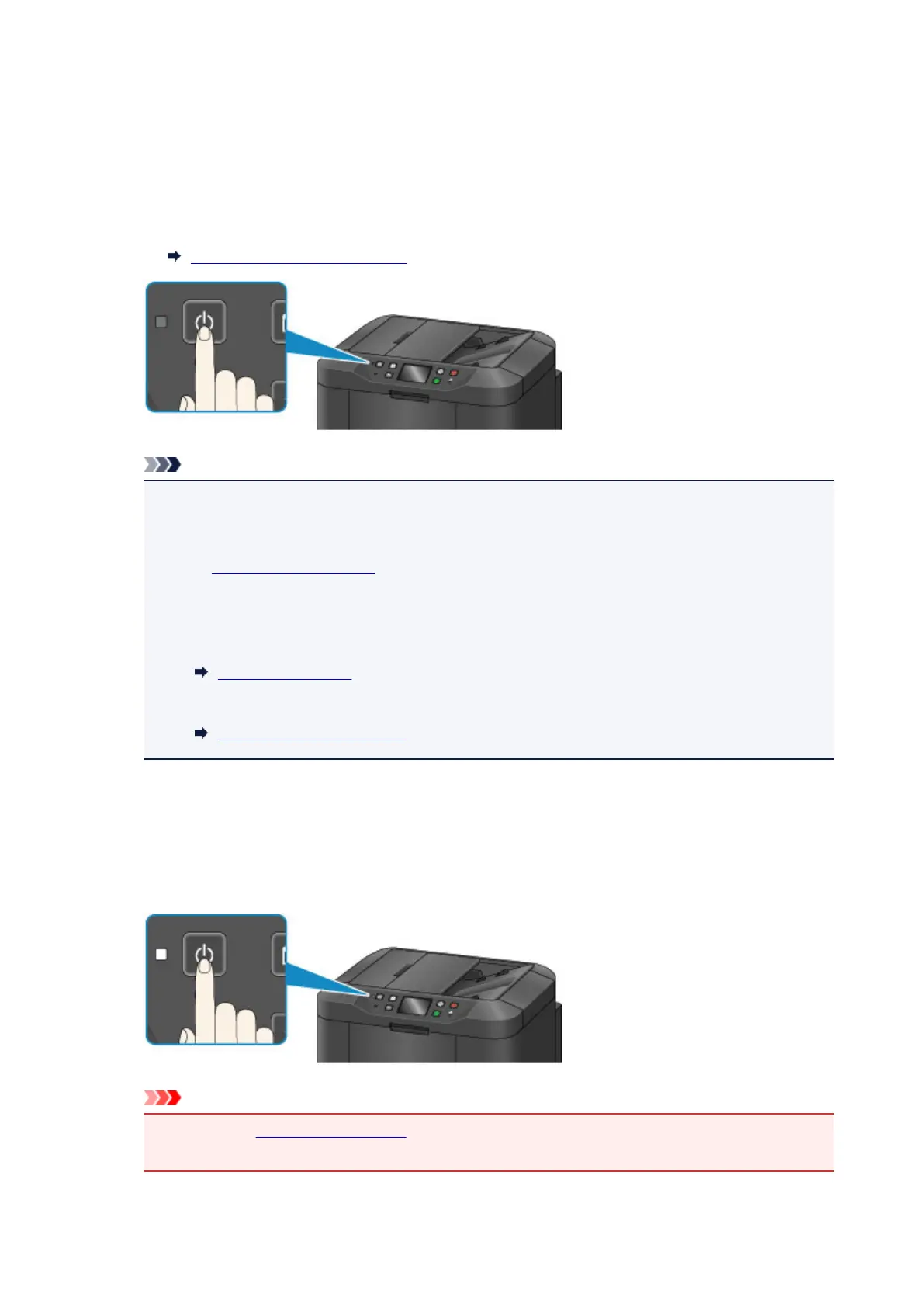
1. Press the ON button to turn on the machine.
The POWER lamp flashes and then remains lit.
Confirming that the Power Is On
Note
• It takes about 10 seconds until you can operate the machine after you turn on its power. Wait
until the HOME screen is displayed on the touch screen.
•
If the Alarm lamp lights up or flashes and an error message is displayed on the touch screen,
see
A Message Is Displayed.
• You can set the machine to automatically turn on at the specified day of week or time. For
details on Power control - ON settings, see below.
From the machine
About ECO settings
From the computer
Managing the Printer Power
Turning off the machine
1.
Press the ON button to turn off the machine.
When the POWER lamp stops flashing, the machine is turned off.
Important
•
When you unplug the power cord after turning off the machine, be sure to confirm that the
POWER lamp is off.
149













 To Next Page