Cannot Detect the Machine during Wired LAN Setup: Check 3
Is the wired LAN setting of the machine enabled?
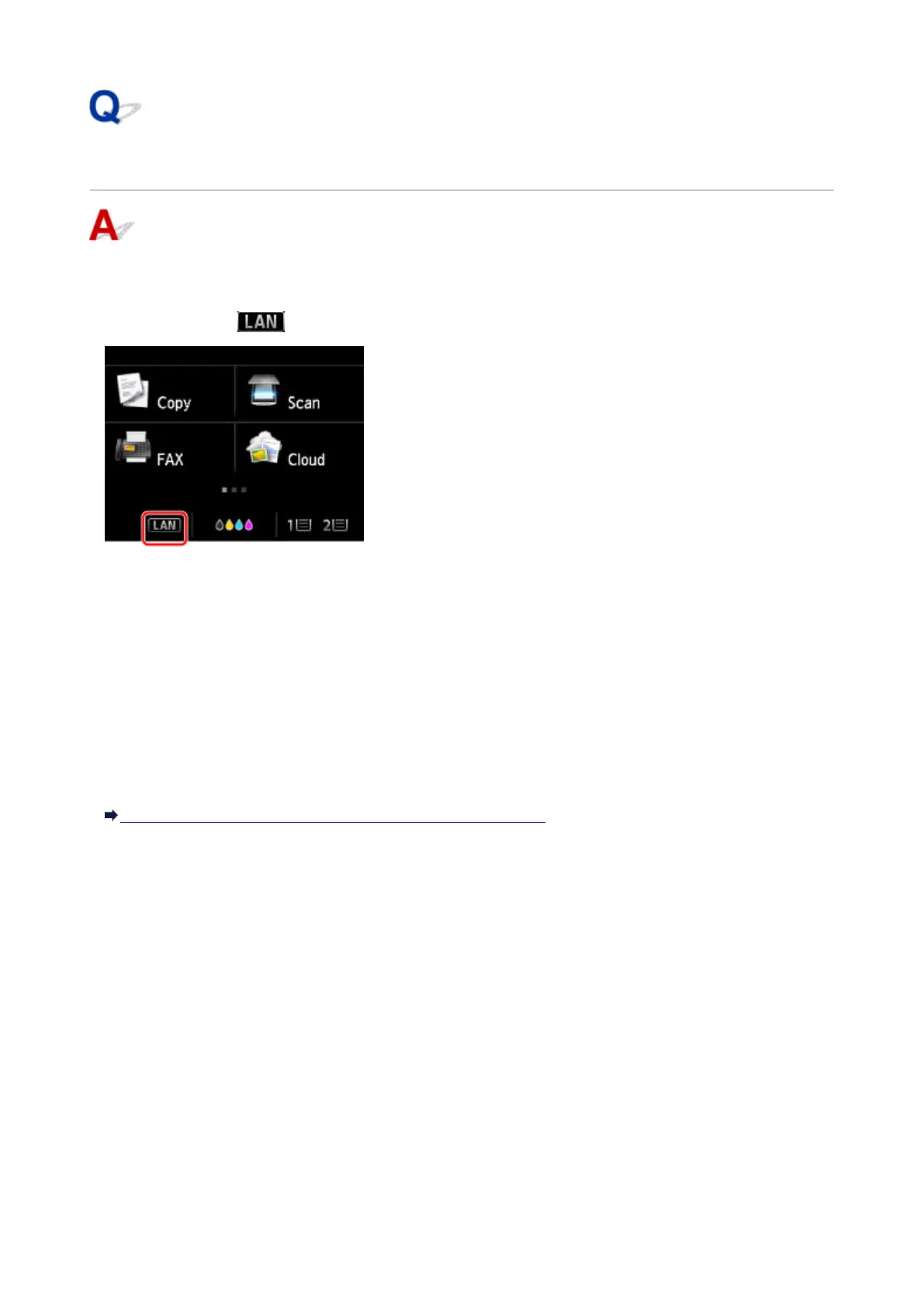
Make sure that the icon is displayed on the touch screen.
If the icon is not displayed:
The wired LAN setting of the machine is disabled. Enable the wired LAN setting of the machine.
After enabling the wired LAN setting, click Back to Top on the Check Printer Settings screen to try to
set up the network communication from the beginning.
If the icon is displayed:
Go to check 4.
Cannot Detect the Machine during Wired LAN Setup: Check 4
925













 To Next Page