Connection without Using an Access Point (Windows XP)
Restrictions
(Appears in a new window)
1.
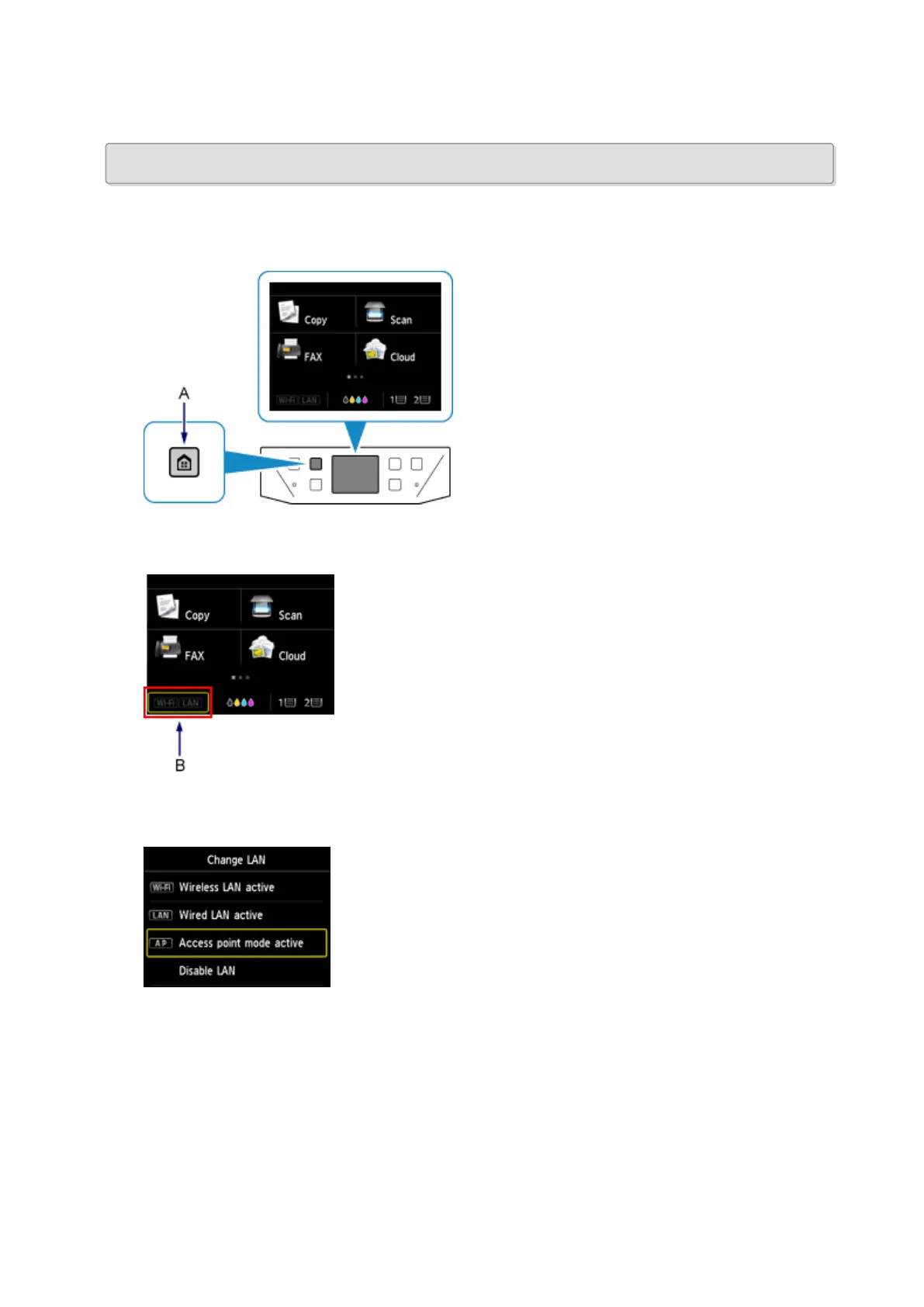
Press the HOME button (A) on the printer.
2.
Tap the bottom left (B) of the screen.
3.
Tap Access point mode active.
4. Check the SSID displayed in the printer screen.
5. Tap Details, check the Password (network key), then tap OK.
You will use the SSID and Password (network key) in the subsequent steps.
35













 To Next Page