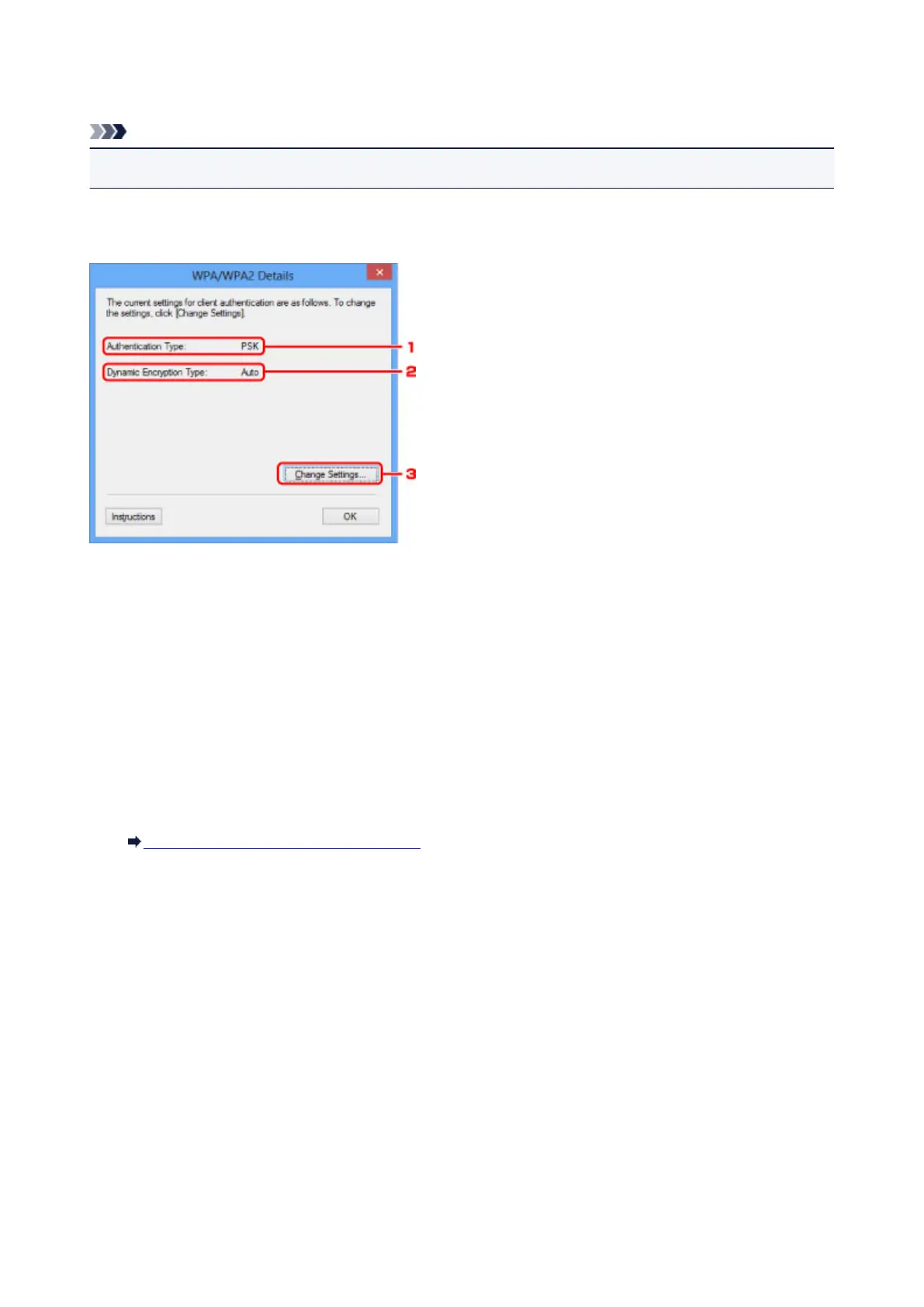
WPA/WPA2 Details Screen
Note
• This screen is not available depending on the printer you are using.
Specify the printer WPA/WPA2 settings.
The value displayed on the screen differs depending on the present settings.
1.
Authentication Type:
Displays the type of authentication used for client authentication. This machine supports the PSK
authentication method.
2.
Dynamic Encryption Type:
Displays the dynamic encryption method.
3.
Change Settings...
Displays the Authentication Type Confirmation screen.
Authentication Type Confirmation Screen
320













 To Next Page