Registering the Favorite Settings (Custom profiles)
You can register the favorite copying, scanning, or faxing settings and call them up from the HOME screen.
You can register up to 20 settings.
Registering the Setting
Calling Up the Registered Setting
Editing/Deleting the Registered setting
Registering the Setting
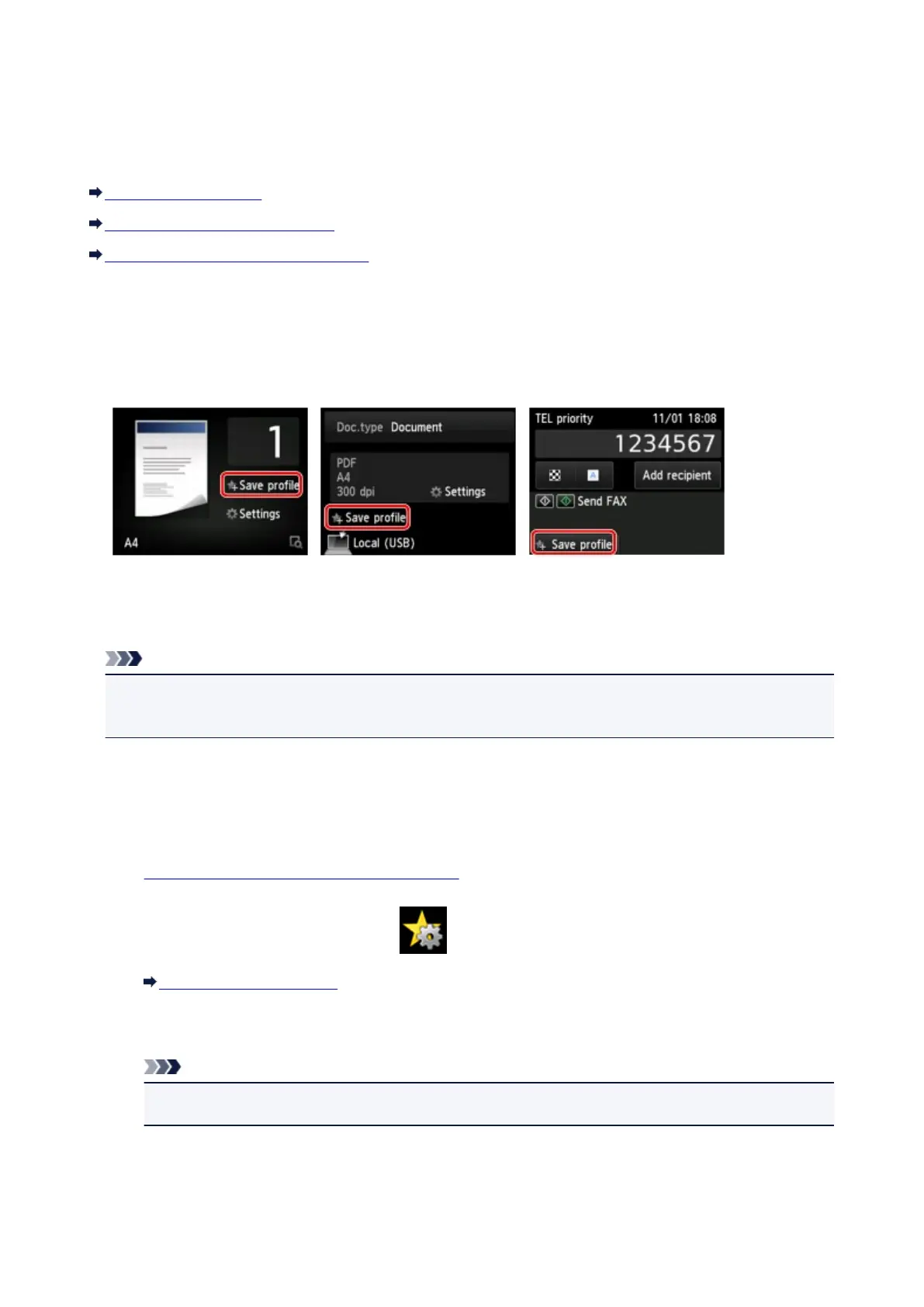
Tap Save profile on each standby screen or on the screen displayed after the settings are specified.
Copy standby screen Scan standby screen Fax transmission standby screen
When the confirmation screen of Save profile is displayed, tap Yes.
When the screen to enter the name of the setting is displayed, enter the name, then tap Register.
Note
• If you tap Register without entering the name, the name currently shown is applied as the name of
the setting.
Calling Up the Registered Setting
Follow the procedure below to call up the registered setting.
1.
Make sure that the machine is turned on.
2. Flick the HOME screen, then tap Custom profiles.
Using the Operation Panel
3. Tap the setting you want to call up.
Note
•
You can change the displayed items by tapping Switch view.
Editing/Deleting the Registered setting
Follow the procedure below to edit or delete the registered setting.
280













 To Next Page