Cleaning the Inside of the Machine (Bottom Plate Cleaning)
Remove stains from the inside of the machine. If the inside of the machine becomes dirty, printed paper may
get dirty, so we recommend performing cleaning regularly.
You need to prepare: a sheet of A4 or Letter-sized plain paper*
* Be sure to use a new piece of paper.
1. Make sure that the power is turned on.
2.
Flick the HOME screen, then tap Setup.
Using the Operation Panel
The setup menu screen will appear.
3.
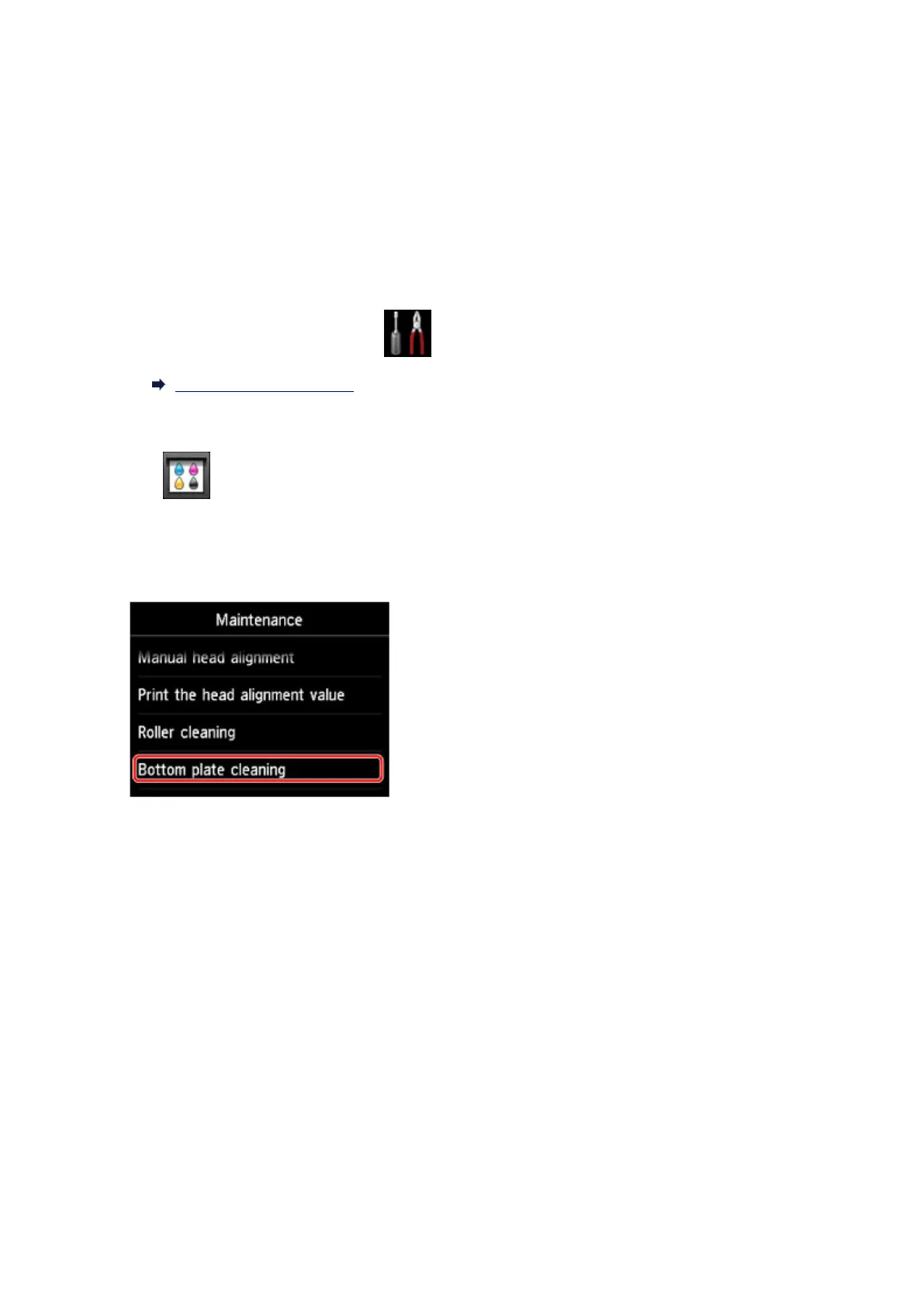
Tap Maintenance.
The Maintenance screen will appear.
4.
Tap Bottom plate cleaning.
The confirmation screen will appear.
5. Tap Yes.
6. Follow the message to remove any paper from the cassette 1, then tap OK.
7. Fold a single sheet of A4 or Letter-sized plain paper in half widthwise, then unfold the
paper.
8. Fold one side of the opened paper in another half, aligning the edge with the center crease,
unfold the paper, then tap OK.
236













 To Next Page