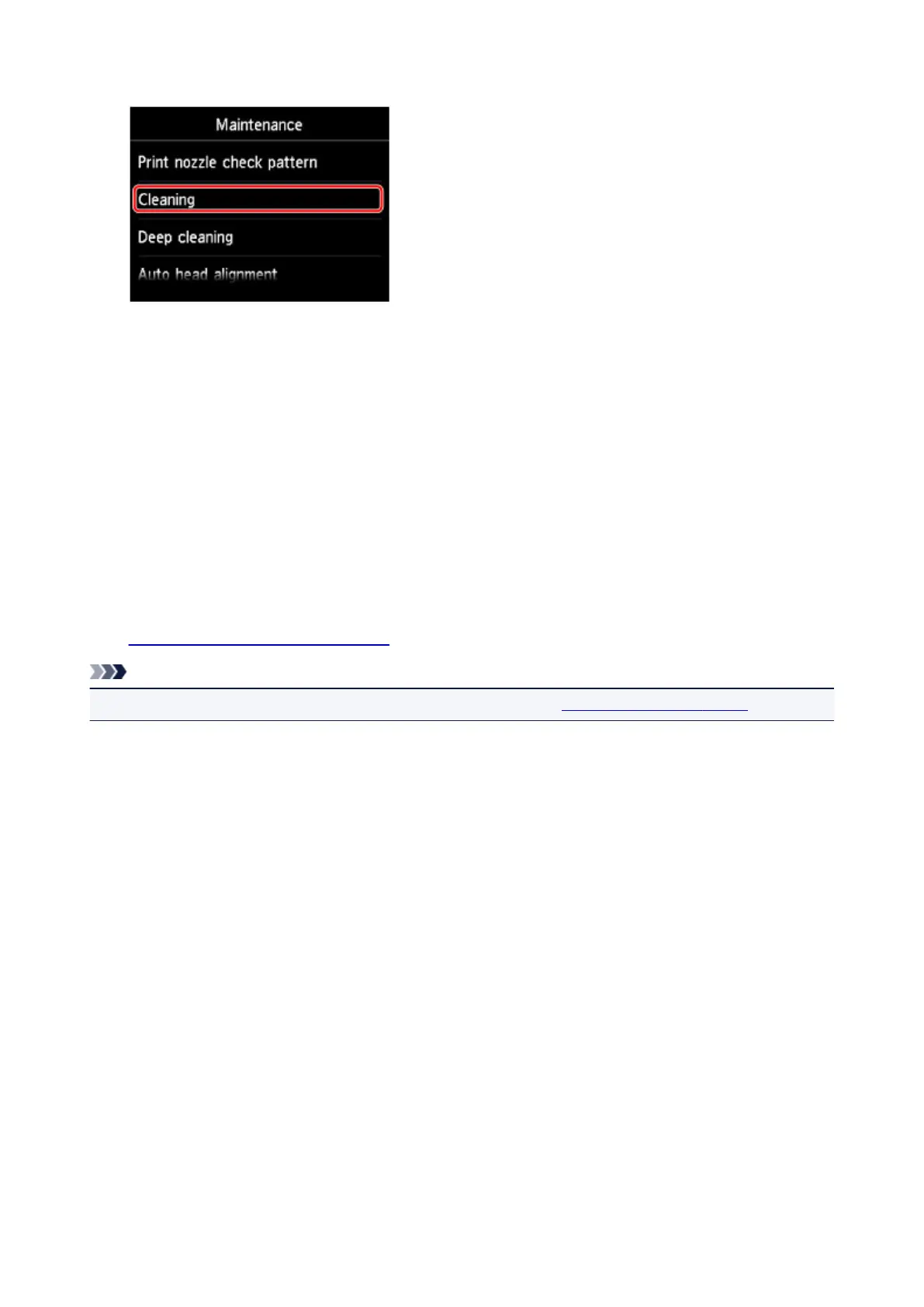
6. Tap Cleaning.
The confirmation screen will appear.
7.
Tap Yes.
The machine starts cleaning the print head.
Do not perform any other operations until the machine completes the cleaning of the print head. This
takes about 2 minutes.
The pattern print confirmation screen will appear.
8.
Tap Yes.
The nozzle check pattern will be printed.
9.
Examine the nozzle check pattern.
Note
• If the problem is not resolved after cleaning the print head twice, clean the print head deeply.
210













 To Next Page