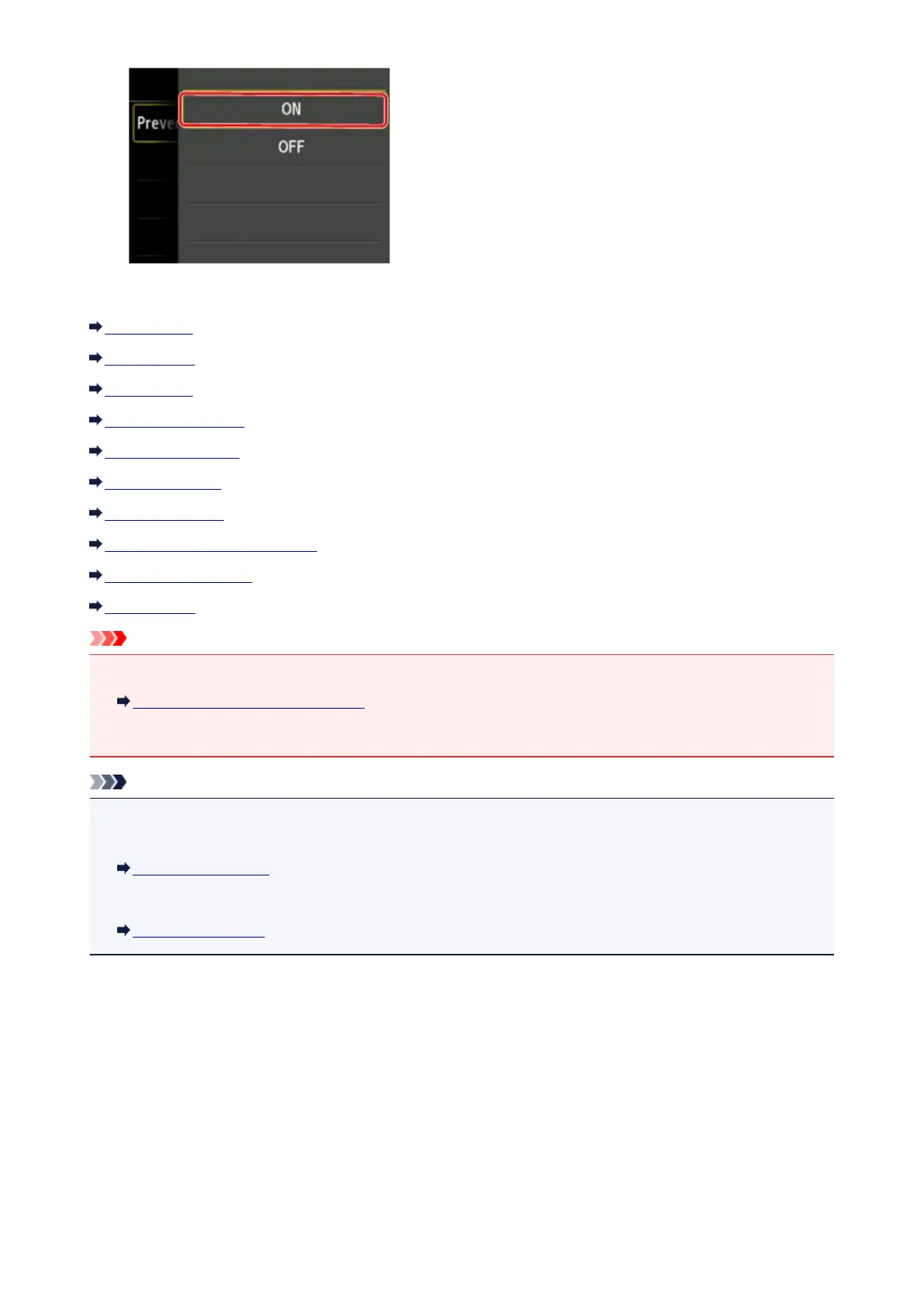
You can select the setting menus below.
FAX settings
Print settings
LAN settings
Device user settings
Language selection
Firmware update
Cassette settings
Administrator password setting
Operation restrictions
Reset setting
Important
• Depending on the setting item, authentication by the administrator password is required.
About the Machine Administration
If you do not know the administrator password, ask the administrator of the machine you are using.
Note
• You can use the machine considering the environment, such as setting 2-sided printing as default or
enabling the machine to turn on/off automatically.
About ECO settings
• You can reduce the operating noise when printing at night.
About Quiet setting
251












 To Next Page