Note
•
Description of displayed icons
: Can be used with genuine Canon ink.
6.
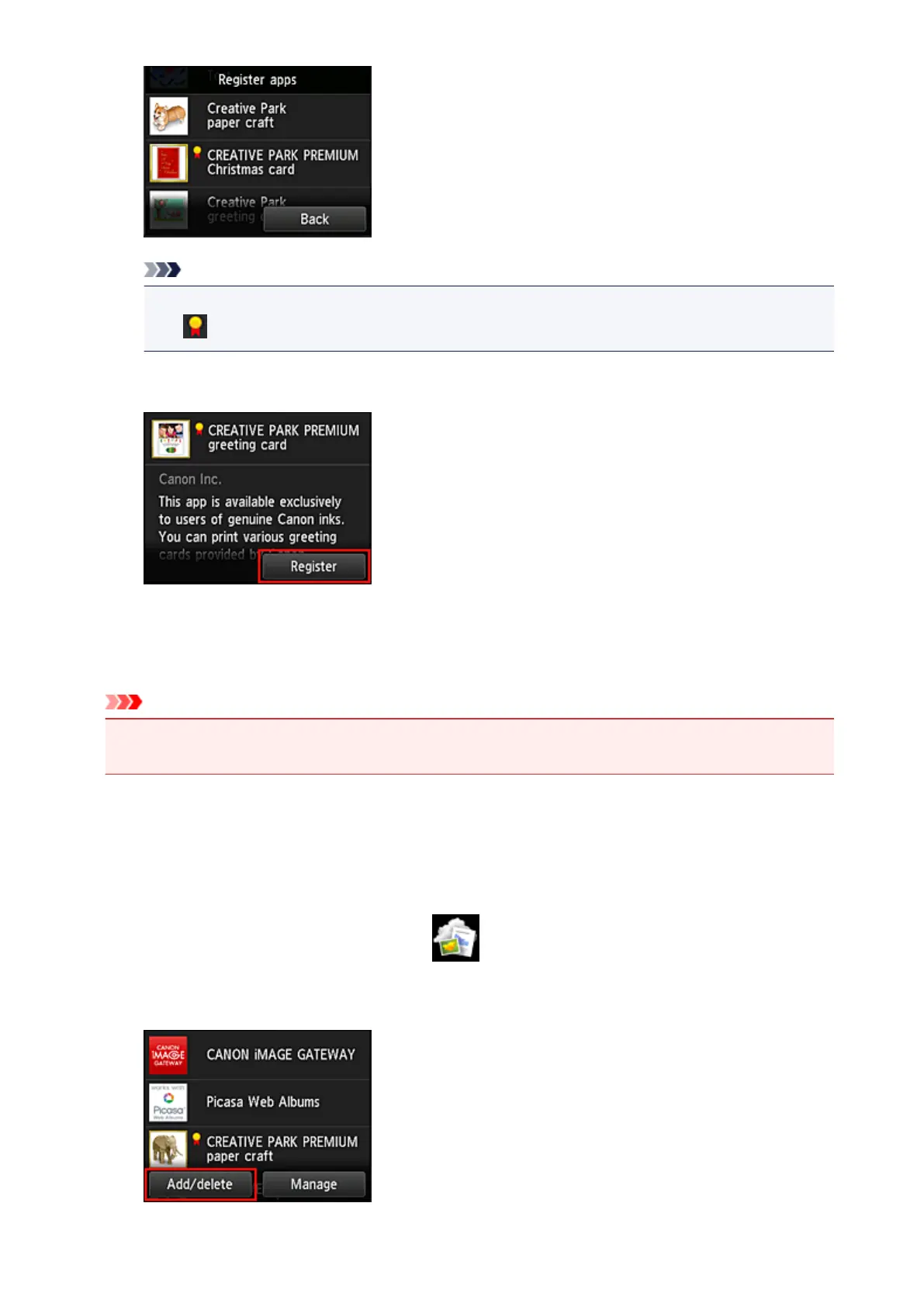
Select Register
The registration is completed and the app is added to the apps list.
To register another app, repeat the procedure from step 5.
To end the app registration, select Back and return to the cloud's Main screen.
Important
• Some apps may require a linked app account before you can use the app. If this is the case, set up
an account beforehand.
Delete apps
You can delete unnecessary apps from the apps list.
Follow the steps described below to delete apps.
1. From the printer home screen, select Cloud
2. On the cloud's Main screen, select Add/delete
49













 To Next Page