The photos on date specified are displayed.
Note
• The date is displayed according to the settings of Date display format in Device user settings
under Device settings under Setup.
Device user settings
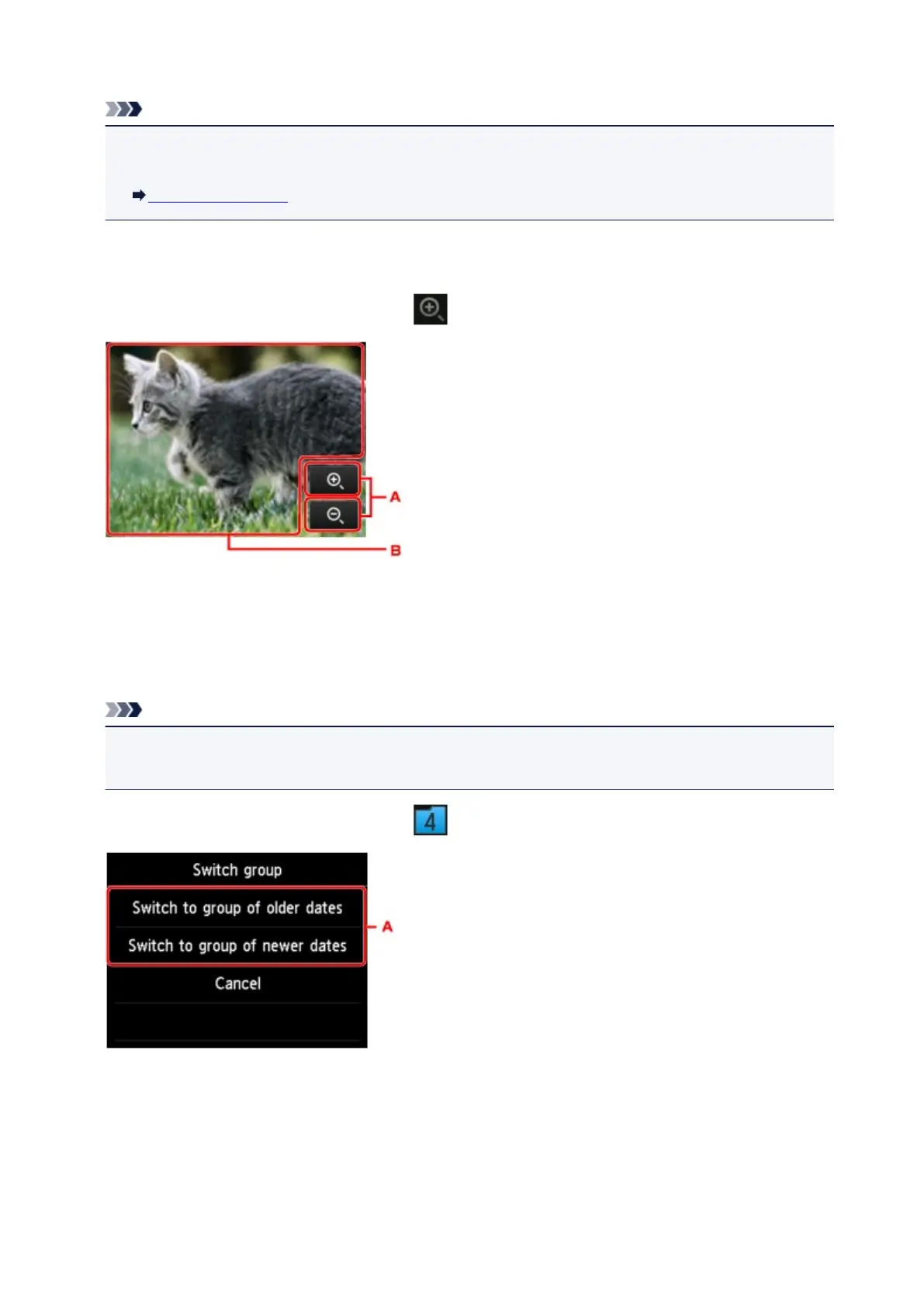
Zooming in on the Photo
The following screen is displayed by tapping on the photo selection screen.
A. Tap to switch the display magnification.
B. Drag to move the display position.
Switching the Photo Group
Note
• If more than 2,000 photo data are saved on the USB flash drive, the photo data is split by group per
2,000 photos in reverse chronological order (date last modified) automatically.
The following screen is displayed by tapping on the photo selection screen.
A. Tap to switch the photo group.
533













 To Next Page