Important
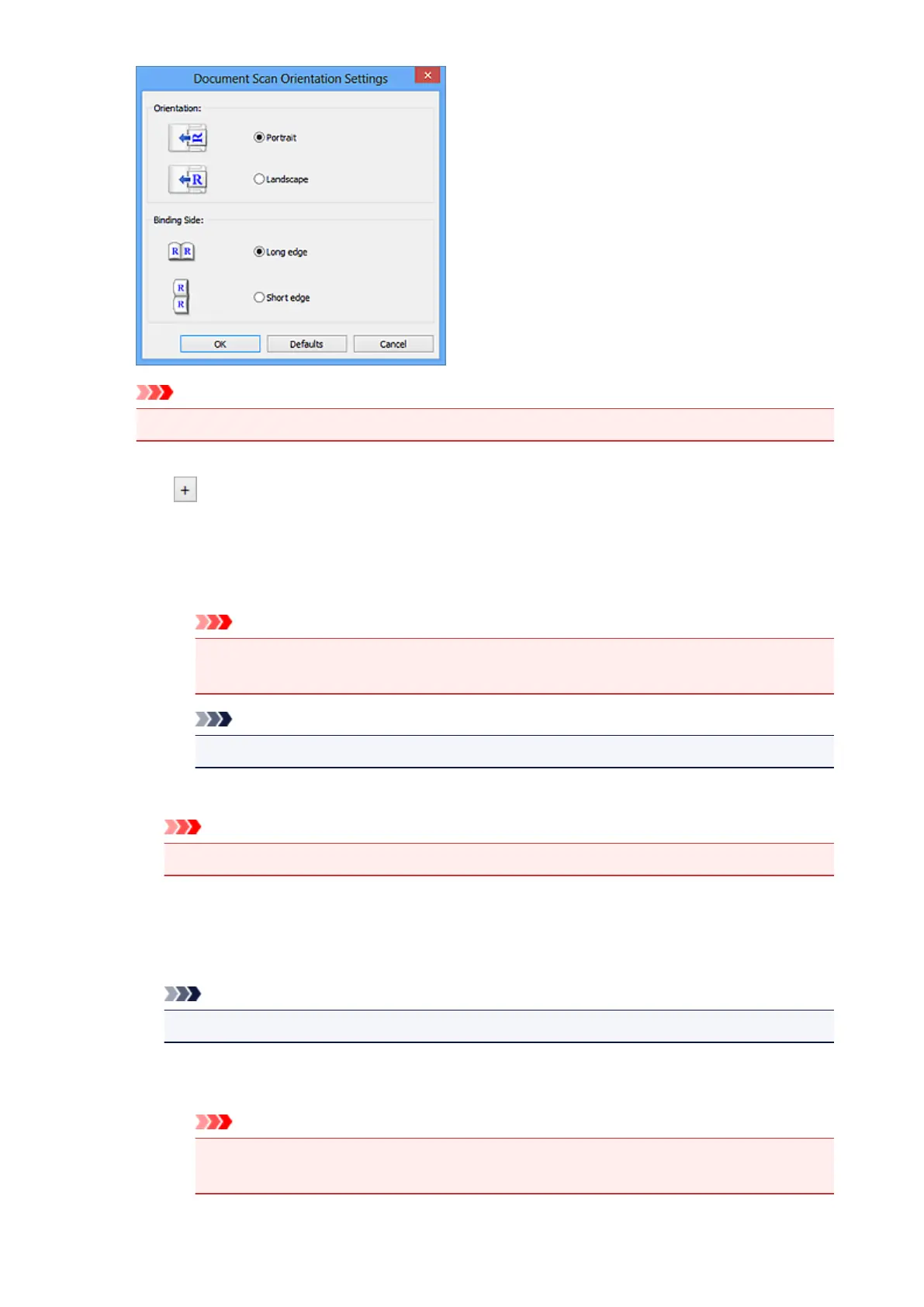
• Binding Side cannot be specified when scanning only the front side of each document.
Image Processing Settings
Click (Plus) to set the following. Available setting items vary by Select Source.
• When Select Source is Auto:
Apply recommended image correction
Applies suitable corrections automatically based on the item type.
Important
• The color tone may differ from the source image due to corrections. In that case,
deselect the checkbox and scan.
Note
• Scanning takes longer than usual when you enable this function.
• When Select Source is Photo:
Important
• When Color Mode is Black and White, Image Processing Settings is not available.
Sharpen outline
Emphasizes the outline of the subjects to sharpen the image.
• When Select Source is Magazine or Document:
Note
• The displayed items vary by Select Source and Color Mode.
Apply Auto Document Fix
Select this checkbox to sharpen text in a document or magazine for better readability.
Important
• The color tone may differ from the source image due to corrections. In that case,
deselect the checkbox and scan.
626




 To Next Page