Note
• Refer to the following for details.
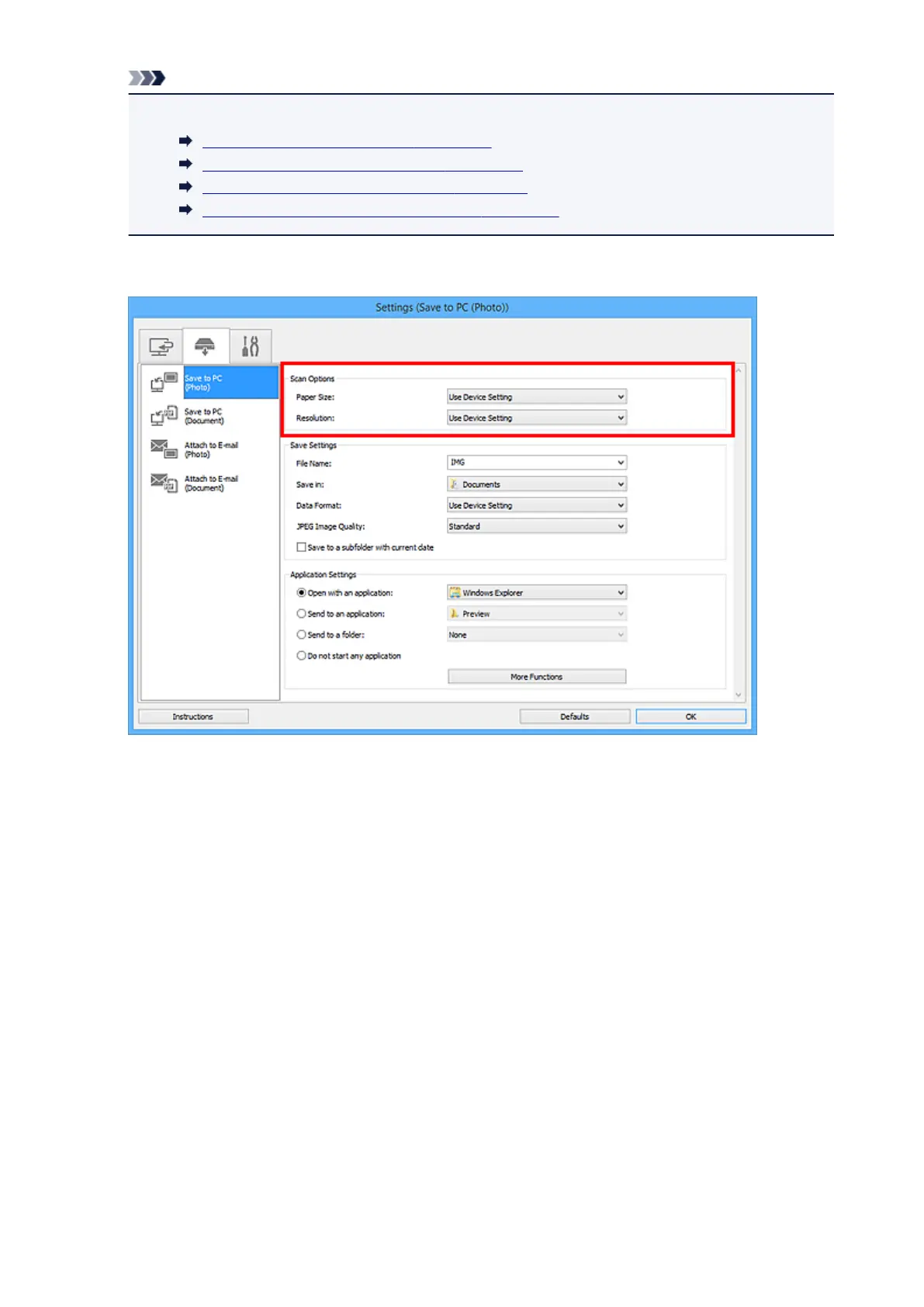
Settings (Save to PC (Photo)) Dialog Box
Settings (Save to PC (Document)) Dialog Box
Settings (Attach to E-mail (Photo)) Dialog Box
Settings (Attach to E-mail (Document)) Dialog Box
4. Set Scan Options.
5.
Specify the file name and other settings in Save Settings.
776













 To Next Page