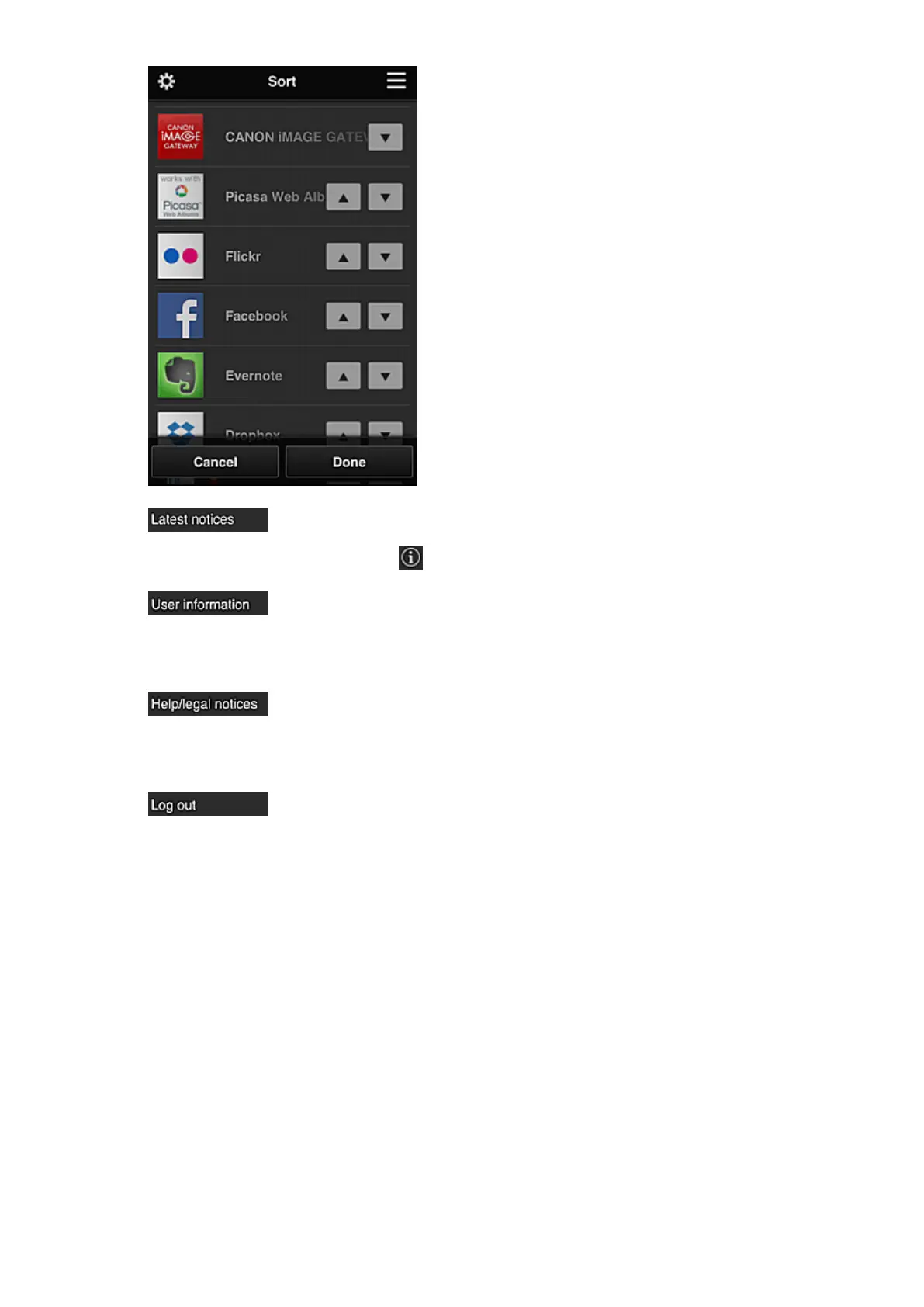
• Latest notices*
This displays the latest notices. The symbol indicates that there is a new unread notice.
• User information*
This displays the User information screen.
You can change the registered e-mail address, password, language, time zone, and other settings.
• Help/legal notices*
The description of the Canon Inkjet Cloud Printing Center screen and various reminders are
displayed.
• Log out*
This opens the Log out screen of the Canon Inkjet Cloud Printing Center.
(4) Display area
The display changes based on the menu you select.
79













 To Next Page