3. Tap Device settings.
4. Tap Device user settings.
5. Tap Daylight saving time setting.
6.
Tap ON.
To disable summer time, tap OFF.
7.
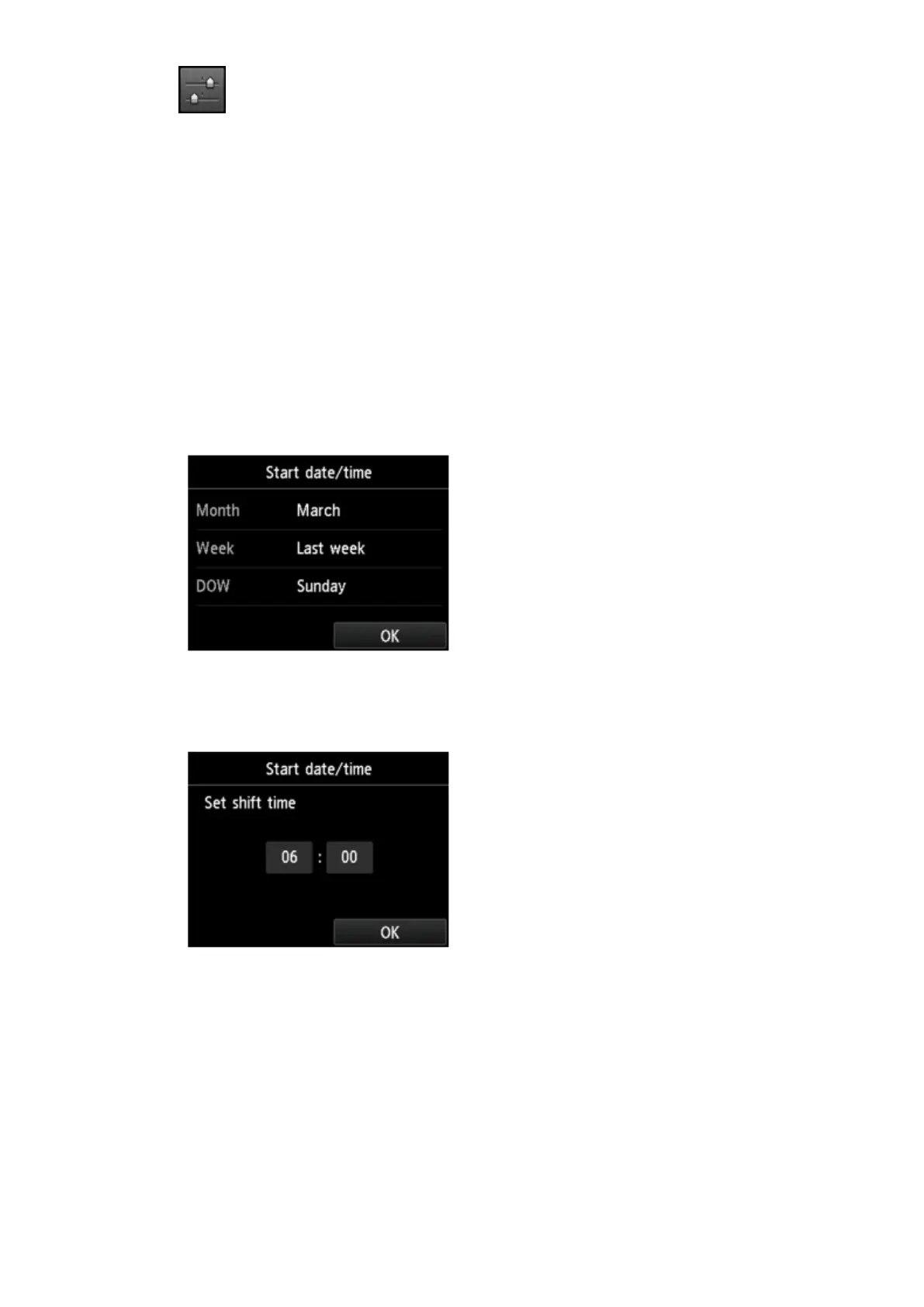
Set the date and time when summer time starts.
1.
Set the date when summer time starts.
Tap a setting item to change then specify the setting. Tap OK again when all settings are
completed.
2. Set the time (in 24-hour format) when summer time starts.
Tap a setting item to change then specify the setting. Tap OK again when all settings are
completed.
8. Set the date and time when summer time ends.
1.
Set the date when summer time ends.
Tap a setting item to change then specify the setting. Tap OK again when all settings are
completed.
791













 To Next Page