0L40-04E
Verifying Key Pairs and Digital Certificates
Once key pairs and CA certificates are registered, you can view their detailed information or verify them for validity and signature.
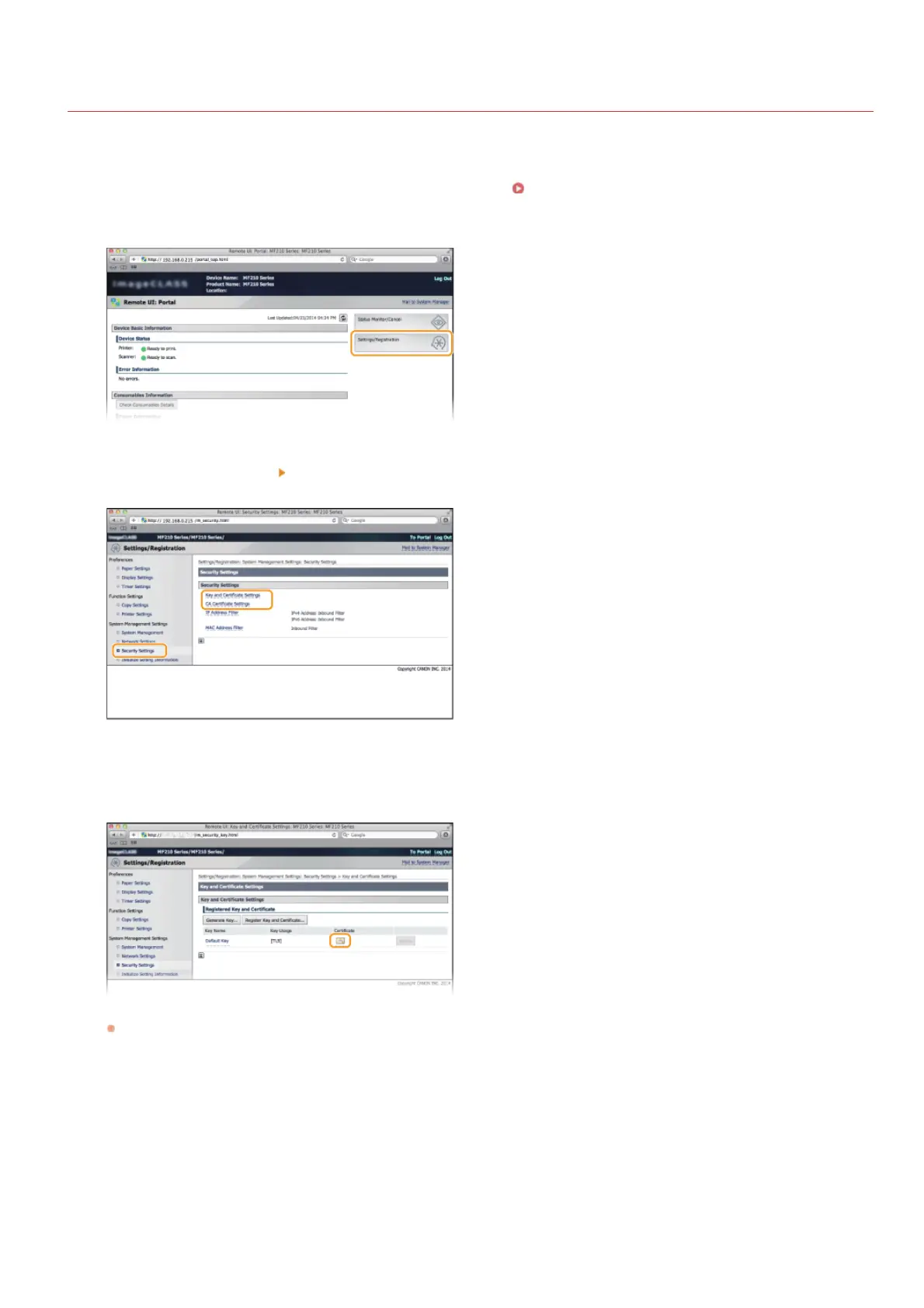
Start the Remote UI and log on in System Manager Mode. Starting Remote UI
Click [Settings/Registration].
Click [Security Settings] [Key and Certificate Settings] (for key pairs) or [CA Certificate Settings] (for CA
certificates).
Click the icon for the key pair or certificate that you want to verify.
Certificate details can be viewed on this screen.
Click [Certificate Verification].
1
2
3
4
5
㻝㻝㻝㻌㻛㻌㻟㻟㻢








 To Next Page