0L40-06L
Using Remote UI
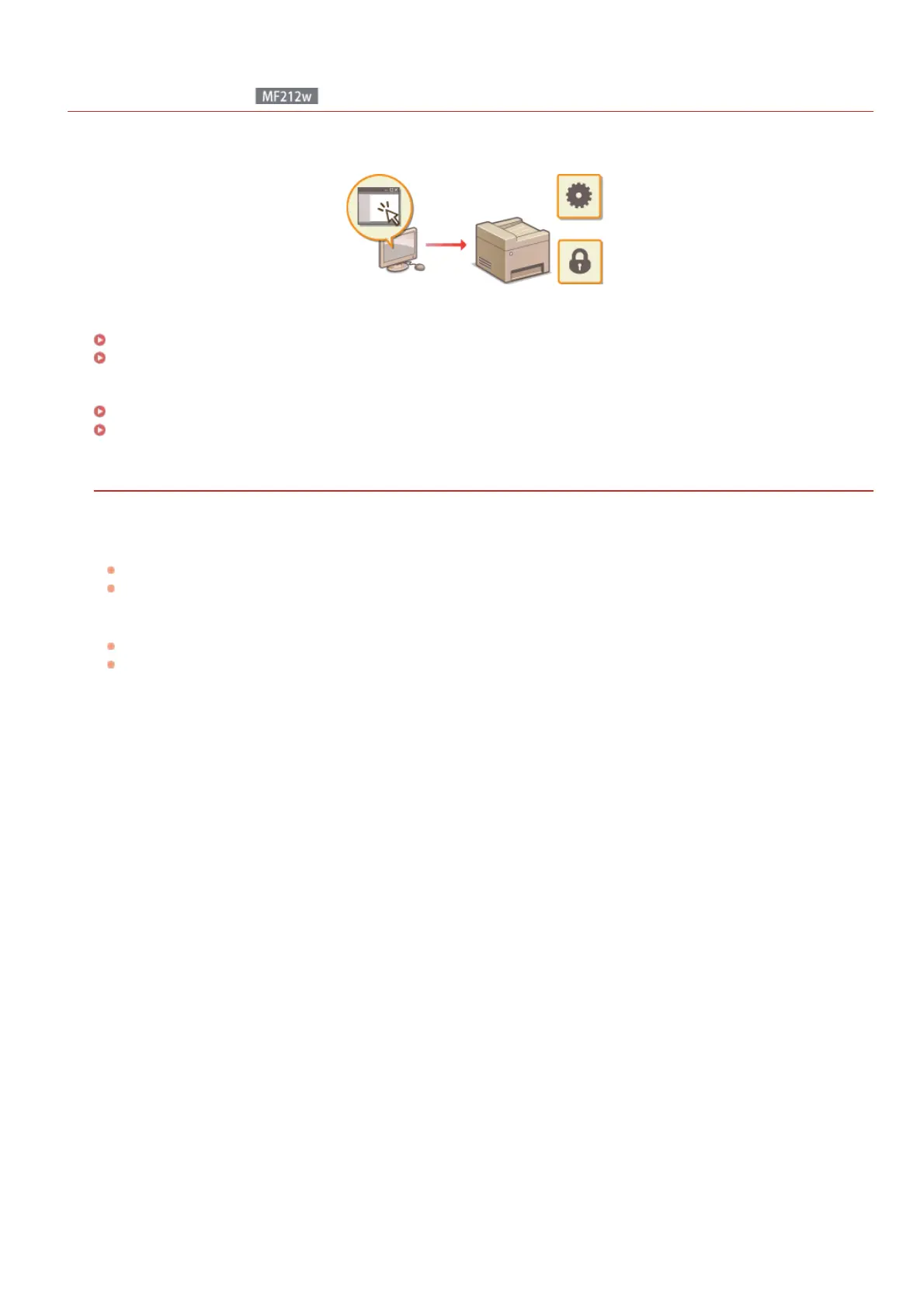
Using a Web browser to operate the machine remotely, you can check the documents waiting to be printed or the status of the machine.
You can also make some settings such as security. You can do this without leaving your desk, making system management easier.
Functions of the Remote UI
Managing Documents and Checking the Machine Status
Setting Up Menu Options from Remote UI
Basics of the Remote UI
Starting Remote UI
Remote UI Screens
System Requirements
The following environment is required to use the Remote UI. In addition, set the Web browser to enable Cookies.
Windows
Windows XP/Vista/7/8/8.1
Microsoft Internet Explorer 7.0 or later
Macintosh
Mac OS 10.4.9 or later (except for Classic environment)
Safari 3.2.1 or later
㻞㻜㻥㻌㻛㻌㻟㻟㻢








 To Next Page