0L40-053
Connecting to a Wired LAN
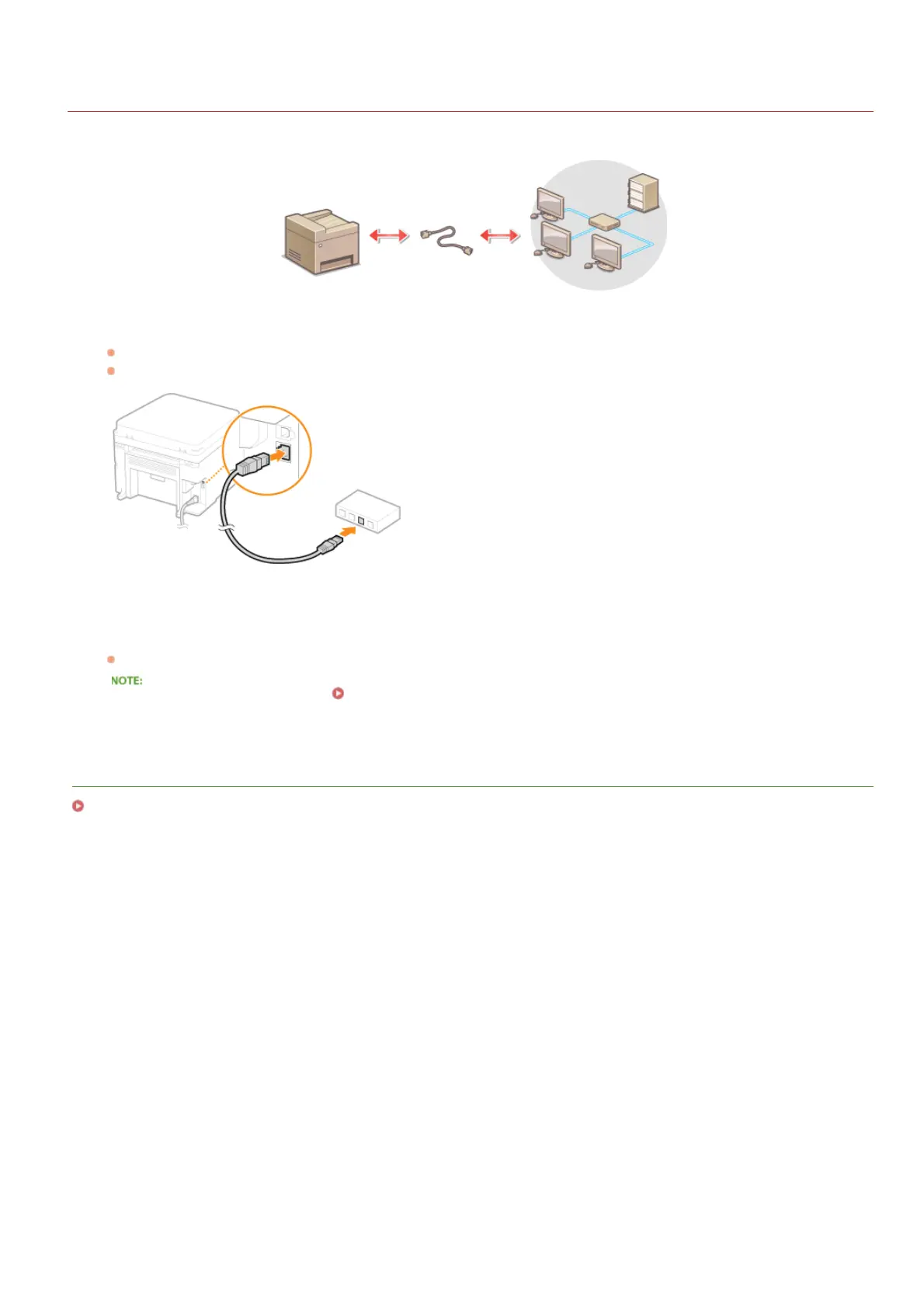
Connect the machine to a computer via a router. Use a LAN cable to connect the machine to the router.
Connect a LAN cable.
Connect the machine to a router by using a LAN cable.
Push the connector in until it clicks into place.
Wait approximately 2 minutes.
While you wait, the IP address is set automatically.
You can set the IP address manually. Setting IP Addresses
LINKS
Connecting to a Network
1
2
㻝㻠㻥㻌㻛㻌㻟㻟㻢








 To Next Page