0L40-05Y
Monitoring and Controlling the Machine with SNMP
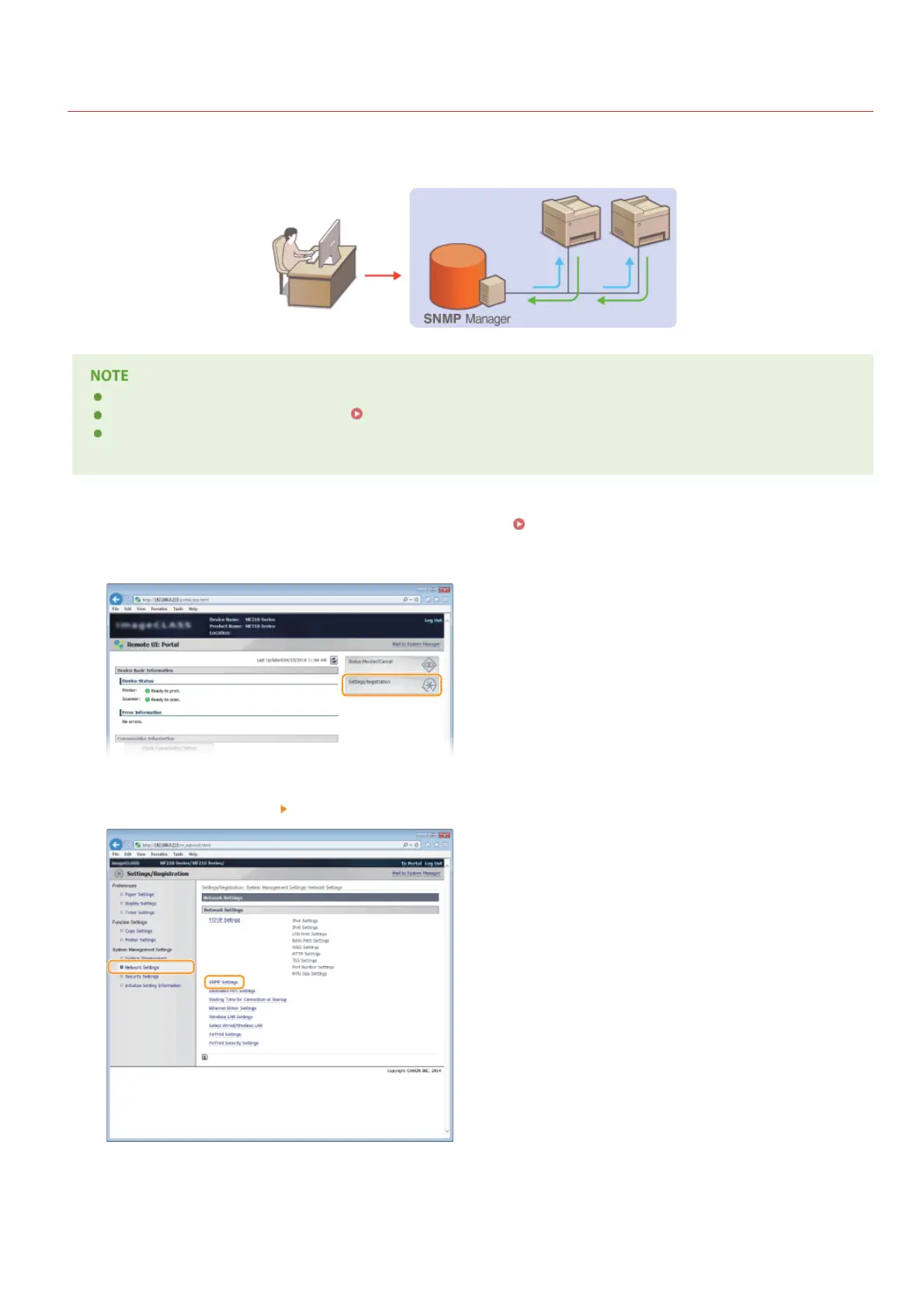
Simple Network Management Protocol (SNMP) is a protocol for monitoring and controlling communication devices in a network by using
Management Information Base (MIB). The machine supports SNMPv1. You can check the status of the machine from a computer when
you print documents or use the Remote UI.
The machine does not support the trap notification feature of SNMP.
To change the port number of SNMP, see
Changing Port Numbers(MF212w).
SNMP management software, when installed on a computer on the network, enables you to configure, monitor, and control the
machine remotely from the computer. For more information, see the instruction manuals for your management software.
Start the Remote UI and log on in System Manager mode. Starting Remote UI
Click [Settings/Registration].
Click [Network Settings] [SNMP Settings].
Click [Edit...].
1
2
3
4
㻝㻥㻝㻌㻛㻌㻟㻟㻢








 To Next Page