0L40-072
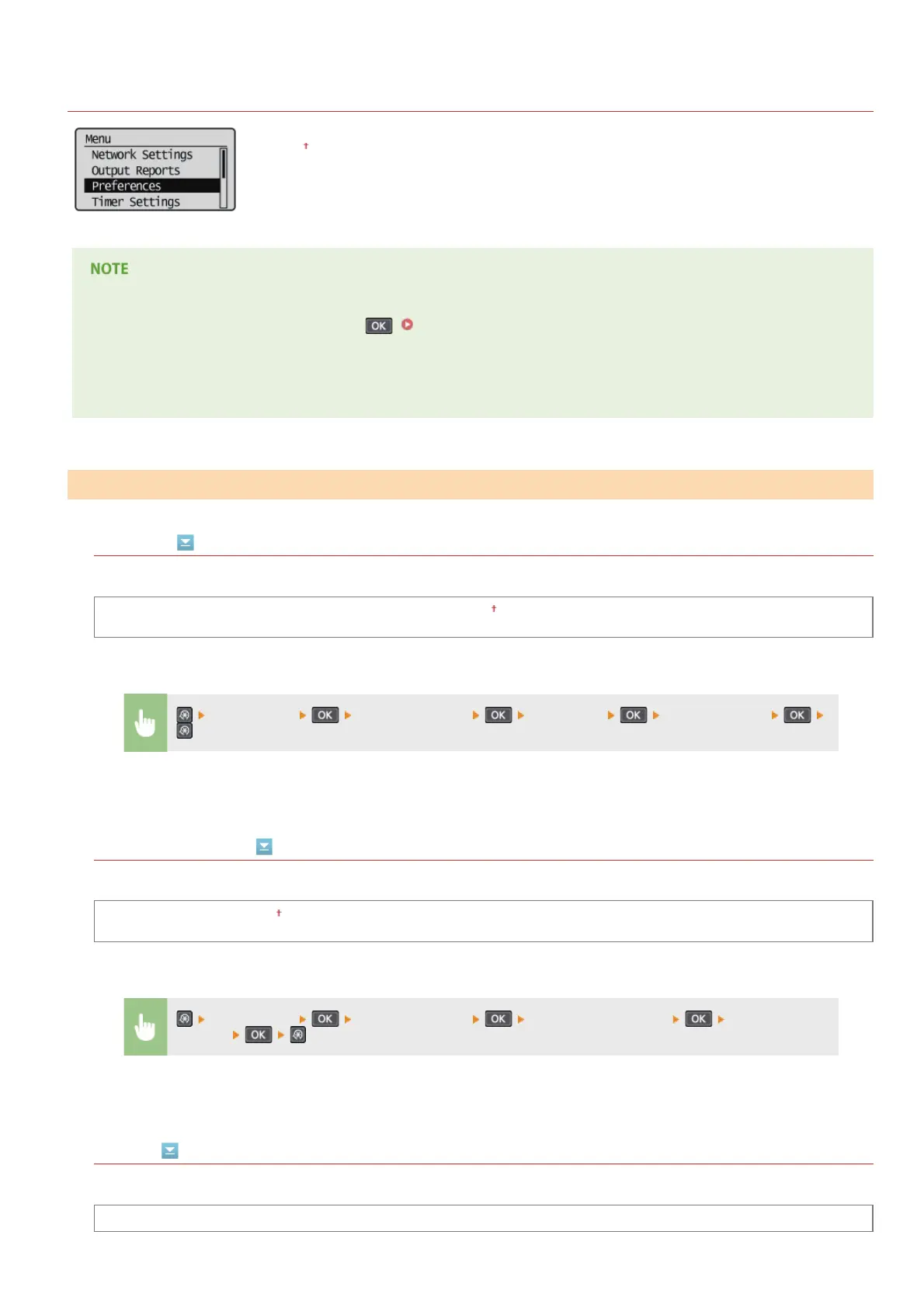
Preferences
All the settings about the display are listed with short descriptions. Default settings are marked with a
dagger (
).
If a screen for entering a PIN is displayed
Enter the PIN with the numeric keys and press . Setting the System Manager PIN
Asterisks (*)
Settings marked with an asterisk (*) have different defaults depending on the country or region of purchase.
Language
Select the display language used for the display, reports, and lists.
Arabic, Bulgarian, Catalan, Croatian, Czech, Danish, Dutch, English , Estonian, Finnish, French, German, Greek, Hungarian, Italian,
Latvian, Lithuanian, Norwegian, Polish, Portuguese, Romanian, Russian, Slovak, Slovene, Spanish, Swedish, Turkish
Remote UI Language
Select the display language used for the Remote UI screens.
Czech, Danish, Dutch, English
, Finnish, French, German, Hungarian, Italian, Norwegian, Polish, Portuguese, Russian, Spanish,
Swedish, Turkish
Contrast
Adjust the brightness of the display to suit the installation location of the machine.
Five Levels
Display Settings
*
<Preferences> <Display Settings> <Language> Select a language
*
<Preferences> <Display Settings> <Remote UI Language> Select a
language
㻞㻞㻤㻌㻛㻌㻟㻟㻢








 To Next Page