0L40-097
So Much More
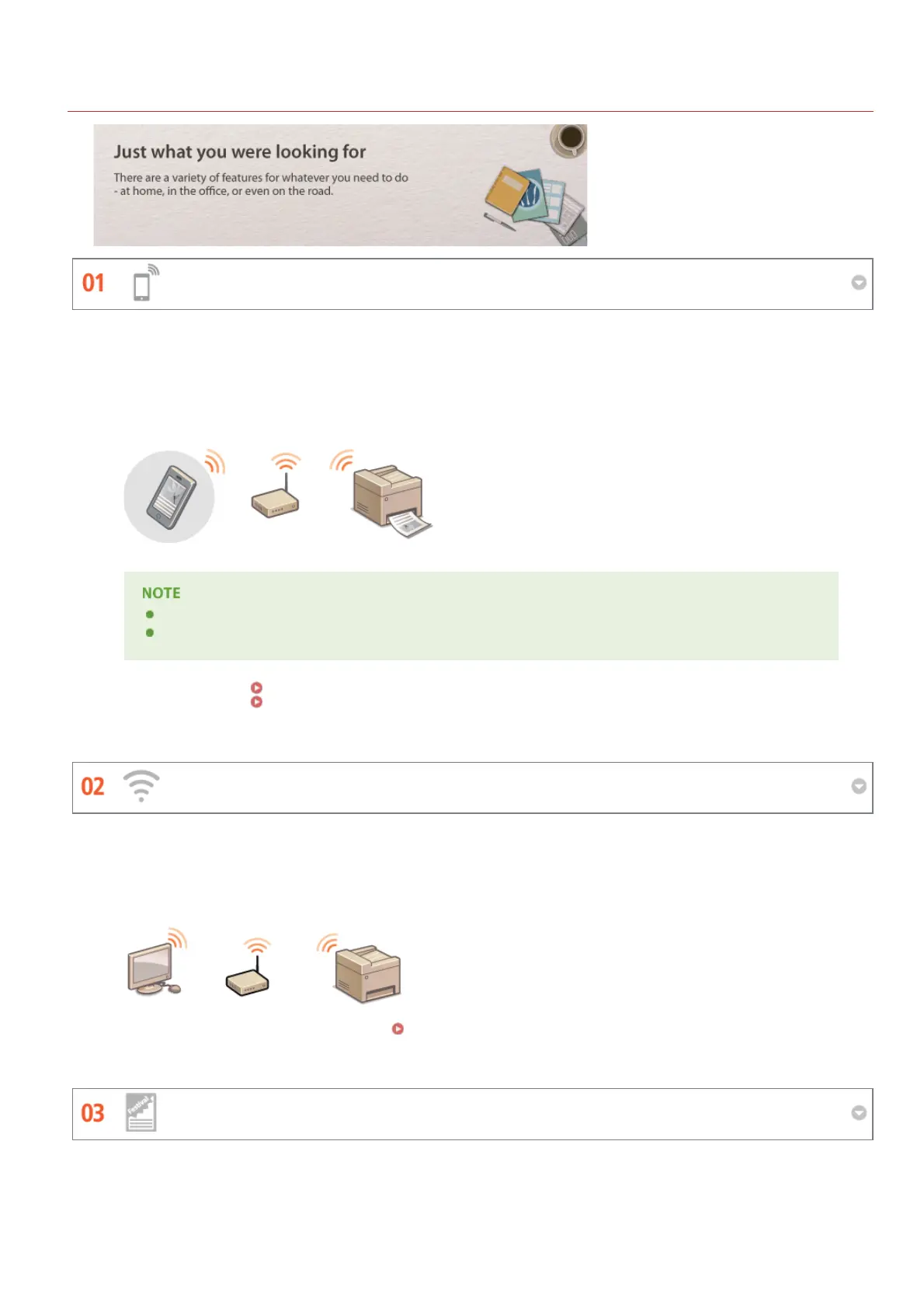
Using a smartphone/tablet (MF212w)
Go Wireless (MF212w)
Make Posters
You can use this function to print or scan a proposal you worked on while on your way to a business meeting and using a
tablet, photos taken on a smartphone, or handouts from a meeting.
For example, by using Mopria , you can print using a single driver even with an other-brand printer, as well as print
using common operation and settings for each printer.
PCless, quick, and easy! An even broader range of possibilities for work/play with functionality made for this age of speed.
For more information on useful functions with smartphones/tablets, see the Canon website.
For information on Mopria (including certified terminals), visit http://www.mopria.org.
For more information
Using the Machine as a Printer
For more information
Using the Machine as a Scanner
TM
TM
No cables, easy installation, simple maintenance. If you've got a WPS wireless LAN router, bypass the settings process
altogether and be ready to go before you know it. Enjoy the kind of clutter-free and easy to use document system that
you can only get from wireless. Compatible with IEEE 802.11b/g/n for stress-free wireless, and also supports WEP and
WPA/WPA2-PSK (TKIP/AES-CCMP) for tighter security.
For more information about this function, see Connecting to a Wireless LAN.
Blow up a regular one-sheet printout and make an exceptionally large poster. A large poster will be printed out on nine
sheets. Put them together in a 3x3 grid, and voila!
㻞㻥㻥㻌㻛㻌㻟㻟㻢








 To Next Page