0L40-090
Initializing System Management Settings
You can restore the settings of the machine ( Setting Menu List). Some settings require restarting the machine to be initialized.
If a screen for entering a PIN is displayed, enter the PIN with the numeric keys and press . Setting the System Manager
PIN
<System Management Settings> <Initialize System Management Settings> Select the item that
you want to initialize
<Yes> Restart the machine if necessary.
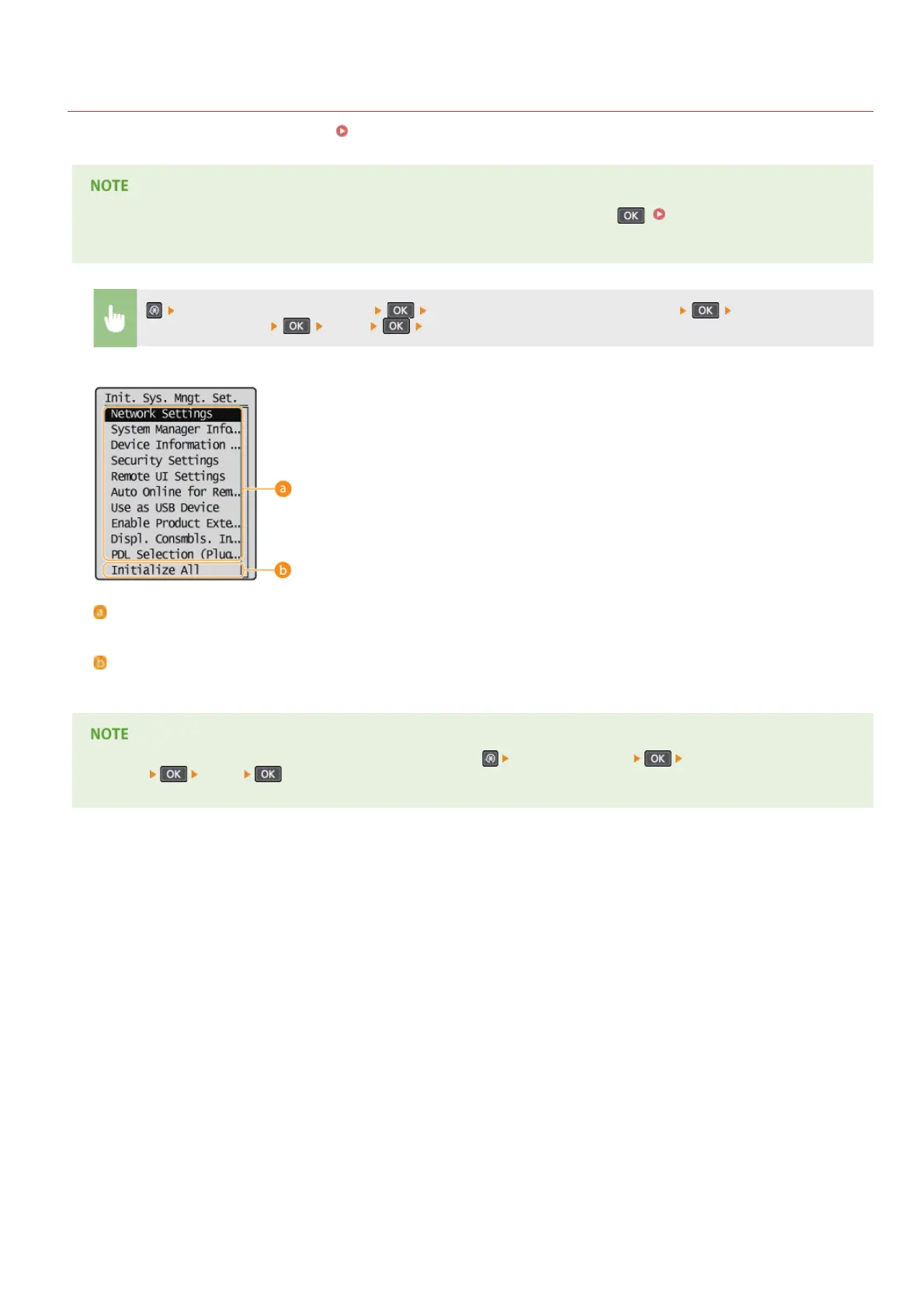
Items for initializing
Select the setting you want to initialize.
<Initialize All>
Initializes all the settings.
(MF212w)
To initialize the settings in <Network Settings>, you can also press <Network Settings> <Initialize Network
Settings>
<Yes> .
㻞㻥㻜㻌㻛㻌㻟㻟㻢








 To Next Page