0L40-01E
Various Copy Settings
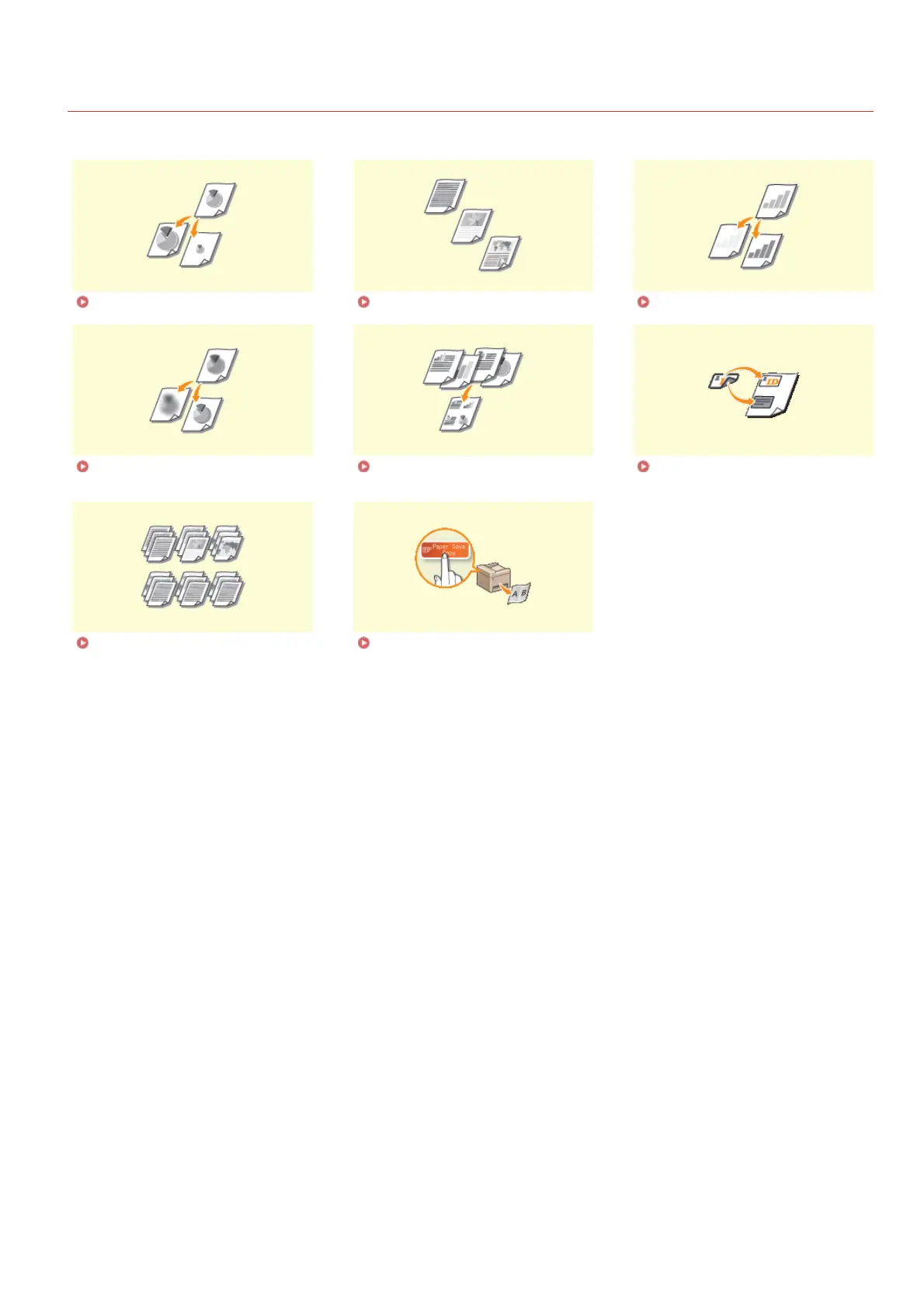
A variety of settings are available to suit your needs, such as when you want to save paper or make your documents easier to read.
Enlarging or Reducing Selecting Document Type Adjusting Density
Adjusting Sharpness Copying Multiple Documents onto
One Sheet (2 on 1/4 on 1)
Copying Both Sides of an ID Card
onto One Page
Collating Copies by Page Using the [Paper Save Copy] Key
(MF211)
㻡㻤㻌㻛㻌㻟㻟㻢








 To Next Page