0L40-086
Platen Glass
Regularly wipe off the dust from the platen glass and the underside of the platen glass cover to prevent smudges to be printed on
documents or printouts.
Turn OFF the machine, and unplug the power cord from the AC power outlet.
When you turn OFF the machine, data that is waiting to be printed is deleted.
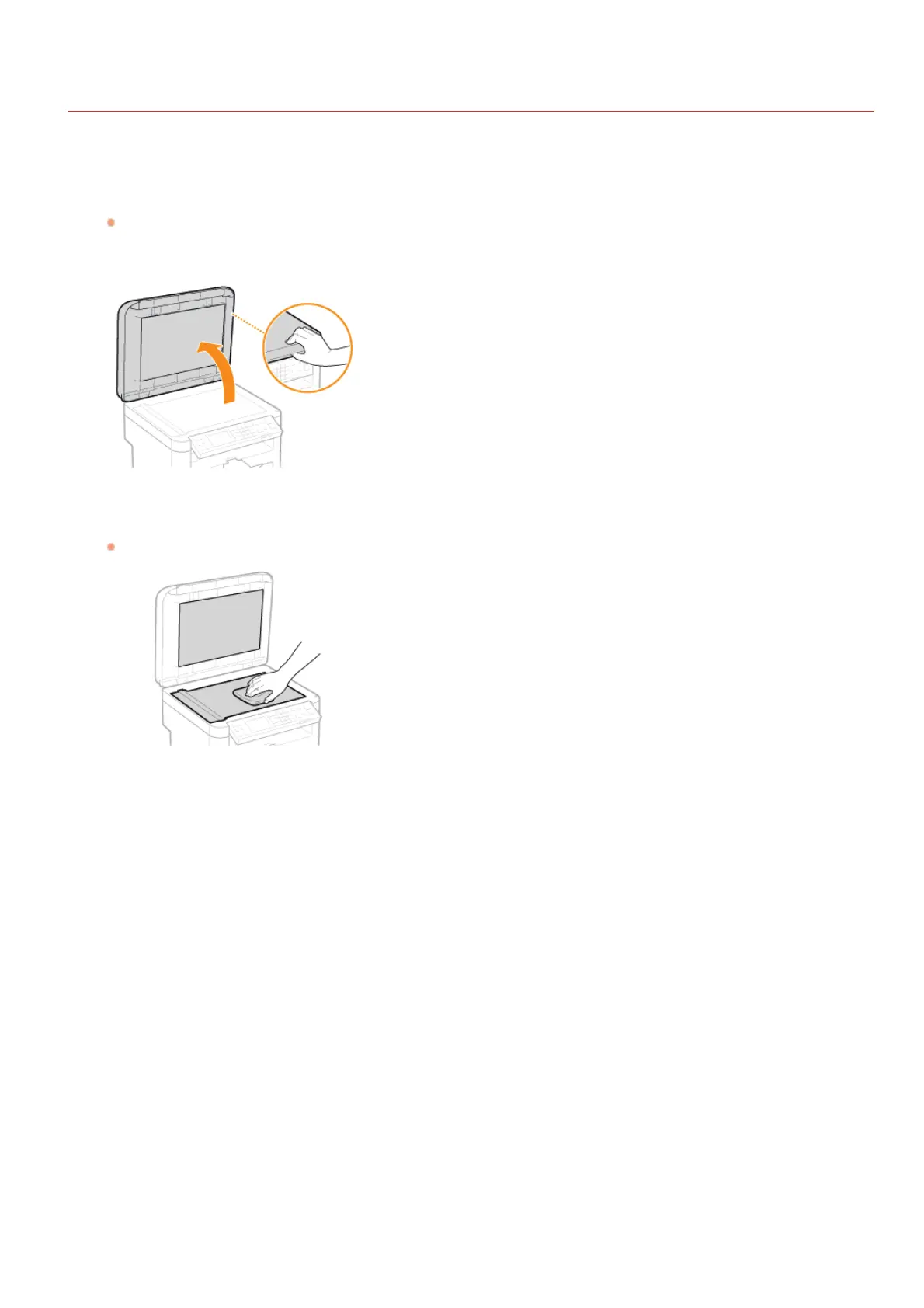
Open the platen glass cover.
Clean the platen glass and the underside of the platen glass cover.
Clean the areas with a cloth dampened with water. Then, wipe the area with a soft, dry cloth.
Wait for the cleaned area to dry completely.
Gently close the platen glass cover.
Reconnect the power cord and turn ON the machine.
1
2
3
4
5
6
㻞㻣㻢㻌㻛㻌㻟㻟㻢








 To Next Page